

.png)

Shopify's native product page defaults to static images and text, a format that made sense when most shoppers browsed on desktop and high-quality photography was itself a differentiator.
Neither applies in 2026.
Roughly 70% of Shopify traffic now arrives on mobile devices and shoppers are conditioned by TikTok, YouTube, and Instagram to expect video-first product experiences. That's why static images on Shopify PDPs are table stakes that don't move the needle for most modern ecom brands.
This guide covers:
The mobile conversion problem is a key consideration. Desktop shoppers have larger screens, easier navigation, and more deliberate intent.
Mobile Shopify sessions are faster, more browse-oriented, and more susceptible to friction, especially slow load times. Research consistently shows mobile conversions fall by up to 20% for every additional second of load time.
That context makes the implementation approach for video more consequential than the content of the video itself.
Video is essential because it resolves the central objection that static images can't address: how does this product actually look, move, or perform in real use?
Each category has a primary purchase barrier that video eliminates more efficiently than copy or static images can.
Shopify's platform also creates a Shopify-specific opportunity. The Shop App has over 100 million registered shoppers who can discover and purchase directly from a video feed.
For brands running Videowise, videos published to Shopify pages can simultaneously push to the Shop App feed, creating a discovery channel that pure static stores can't access.
The importance of this integration grows as Shopify continues building Shop App as a commerce destination rather than just an order tracker.
Shopify merchants have 3 primary options for adding video, each with meaningful differences in capability and performance trade-offs.
Shopify allows video upload directly to the product media gallery in MP4 and MOV formats, up to 20MB per file.
This is zero-cost and requires no additional apps.
But the limitations are real:
YouTube embeds are a common workaround for video hosting, but they introduce responsiveness issues on mobile and will occasionally surface "related" video recommendations that take shoppers off-site (and your brand has no influence over).
Native video makes sense for small catalogs (under 50 SKUs), teams without dedicated ecommerce resources, or brands just beginning to test video's impact before investing in a dedicated platform.
The Shopify App Store lists dozens of shoppable video apps across a range of price points and capability tiers.
Most offer basic shoppable tagging, UGC import from social platforms, and some form of analytics.
Differentiation between platforms comes down to 3 factors:
App selection should start with those carrying the "Built for Shopify" designation, which requires meeting Shopify's standards for performance, design, and integration depth.
Beyond this basic level, consider that every Shopify app injects a small piece of background code (called a script) that runs site-wide. The "heavier" the code, the slower the pages load.
Some video apps load 300kb or more of background code versus Videowise at 37kb. For context, that difference is roughly equivalent to adding three full-size images to every page on the site.

Videowise was built specifically for Shopify commerce.
Beyond the 37kb script weight, videos load only when they enter the viewport and stream at the quality level the visitor's connection can handle.
Both considerations are critical for mobile shoppers on variable networks. True Classic deployed video across 700+ product pages with zero measurable speed degradation thanks to this capability.
The platform also handles the operational requirements that generic video tools don't:
From initial setup to first published video typically runs under two hours. Book a demo with our team to get started!
Video placement decisions affect performance as much as video content quality.
A video in the wrong position on a PDP can underperform significantly against the same content positioned above the fold on mobile. A prioritization framework based on traffic volume, purchase intent, and return rate risk helps direct video resources to the highest-impact placements first.

PDPs are where purchase decisions are made, which makes them the highest-value placement for video.
The key question: what is the primary objection that prevents purchase, and does a video exist (or can one be sourced) that eliminates it?
Multiple video types per PDP outperform single-video approaches.
A branded how-to or product demo combined with UGC testimonials gives shoppers both the product education and social proof that together resolve most purchase hesitation.
For example, Artsabers, which films multiple videos per product, reported +$1.1M in attributed revenue and up to 25% conversion rates, a function of multi-video PDP coverage.

Collection page video is discovery-oriented rather than conversion-oriented.
A curated video feed on a collection page helps shoppers identify which products warrant a deeper look, functioning like a visual product selector.
Brands with seasonal campaigns or frequent new arrivals find collection video particularly useful for directing attention without requiring a separate campaign page.
Collection video widgets typically perform better in a scrollable carousel format that doesn't interrupt the browsing pattern. The goal is to pull shoppers into PDPs, not to close the sale on the collection page.

Homepage video headers serve brand story and first-impression goals rather than direct conversion.
Dr. Dennis Gross uses homepage video to spotlight new and best-selling products, while True Classic's homepage includes a product comparison video that directly addresses their key differentiator.
Technical requirements for homepage video headers differ from PDP video:
File size should stay under 5MB for headers to avoid LCP (Largest Contentful Paint) degradation. This is a critical Core Web Vitals metric that Google uses in page ranking evaluation.
Shopify Online Store 2.0 themes support drag-and-drop section and block customization without code.
Videowise's theme block integration means any OS 2.0 theme can add video widgets to any page template through the Shopify theme editor. This eliminates developer involvement for standard deployments.
Custom placements outside the theme editor (for example, embedding a video player in a specific position within a product description) require a single embed code snippet that a developer can place in the appropriate template.
The performance risk of adding video to Shopify pages is real and frequently mishandled. Unoptimized video (large files that load the moment someone lands on the page) slows the page down in ways that hurt both search rankings and conversion rates.
A 1-second page load delay reduces conversions by 7%. On mobile, the penalty per second runs higher.
Proper optimization eliminates this trade-off rather than trying to manage it. Check out this video speed comparison test made by one of our partners Baseline.
Export all videos as MP4 before uploading to Shopify. This is the format Shopify supports natively and plays without issues across all devices and browsers.
If a videographer or agency delivers files in another format (MOV is common from Apple-based editing workflows), free tools like Handbrake can convert them in batches without quality loss.
Ignore H.265 for now. While it offers better compression, Shopify doesn't support it yet.
Export at 1080p. That's the sweet spot for Shopify video quality.
Higher resolutions create unnecessarily large files without visible improvement on most screens. More important than resolution is the final file size: keep PDP videos under 10MB and homepage header videos under 5MB.
Shopify allows uploads up to 20MB, but that ceiling is a technical limit, not an optimized target. When exporting, look for 24 or 30 frames per second, since 60fps creates larger files with no meaningful quality difference for product video.
A video that loads the moment someone lands on a page, even if they never scroll to it, adds weight to every visit.
Lazy loading fixes this by holding the video until the visitor actually scrolls to it. The result is a faster initial page load and no wasted bandwidth on visitors who leave before reaching the video.
Videowise handles this automatically. For YouTube embeds or self-hosted video, it requires a developer to configure separately.
File size management becomes the main operational challenge as video expands across a full catalog.
Manually compressing hundreds of videos before upload is unsustainable. Videowise's AI compression reduces file sizes by up to 97% automatically while retaining visual quality. This is the same architecture that allowed True Classic to deploy across 700+ product pages with zero page speed degradation.
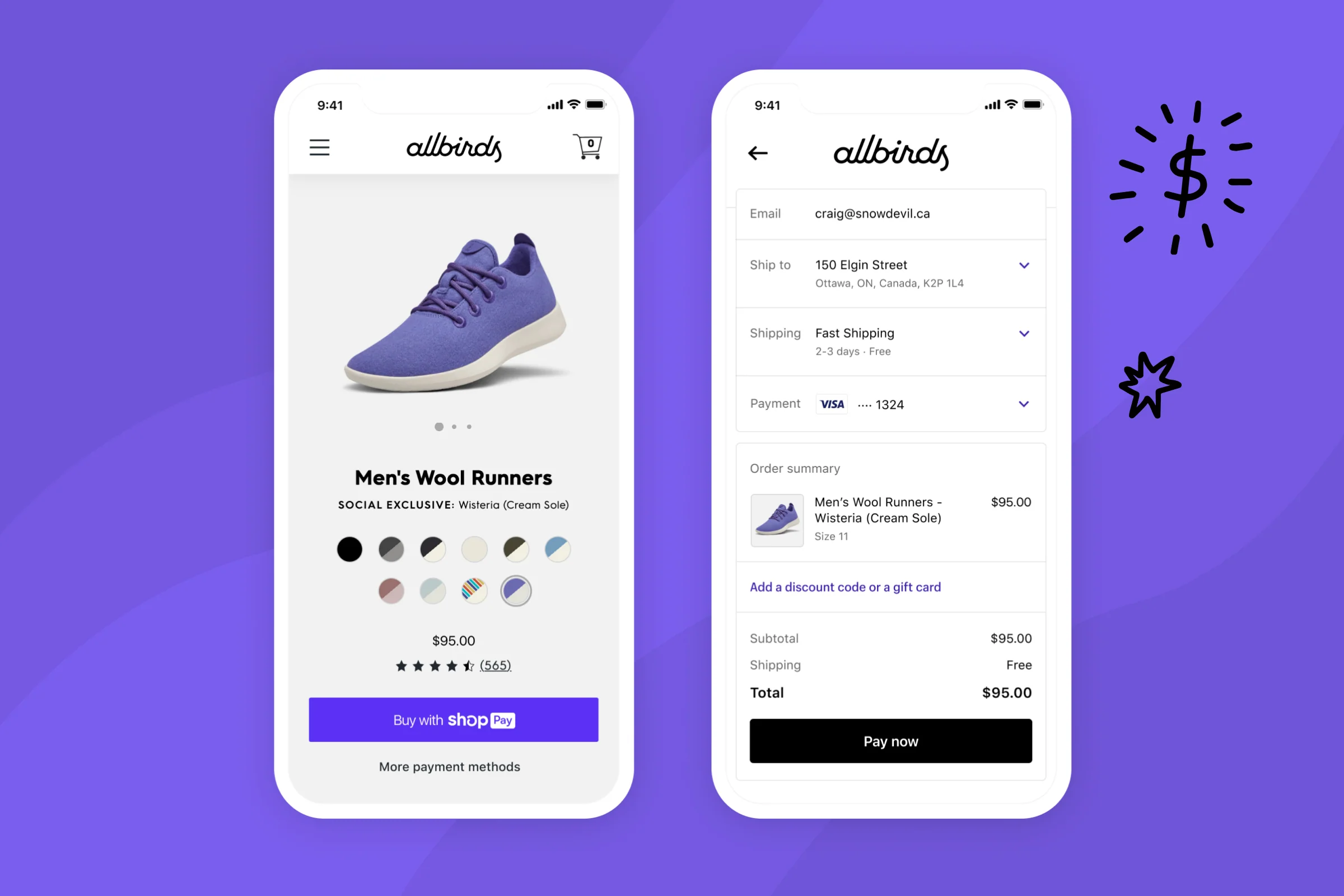
The Shop App distinction is worth understanding strategically.
Shopify has built Shop into a commerce discovery platform where shoppers can browse brands, follow stores, and purchase without leaving the app.
Brands with video assets can publish directly to the Shop App home feed through Videowise, surfacing products to over 100 million registered users.
This is meaningfully different from social media video distribution. Shop App visitors are logged-in Shopify customers. Their purchase history, payment methods, and addresses are pre-populated.
The friction-to-purchase gap is substantially smaller than on TikTok or Meta, where shoppers typically redirect to a store. For brands with strong video libraries, Shop App distribution converts browsing intent into sales more efficiently than social platforms.
Multi-channel publishing from Videowise's dashboard extends this further: a video tagged with products can publish simultaneously to Shopify PDPs, Shop App, and TikTok Shop.
Single-video deployments and catalog-scale video operations require fundamentally different approaches. What works for a 20-SKU store becomes operationally untenable at 200+ SKUs.
The 3 specific bottlenecks that emerge at scale:
Video analytics is split into 2 categories with meaningfully different strategic utility:
The second category is the only one that justifies continued investment and scales the program.
The most defensible attribution model compares two cohorts from the same PDP. That is, visitors who engaged with video content vs. visitors who visited the page but didn't.
This controls for the confounding variable (high-intent shoppers who might self-select into watching video) better than aggregate CVR comparisons.
Dr. Squatch ran this comparison and found 9.9% CVR for video-engaged visitors against 3.2% for the same-page non-engaged group. Without the cohort comparison, that gap is invisible.
Videowise tracks this natively.
The dashboard surfaces video-influenced CVR, revenue per session for video viewers, AOV lift, and revenue attributed per video and per widget placement.
For brands running multiple widget types and placements simultaneously, per-placement attribution identifies which configurations are driving results and which are occupying real estate without contributing.
Initial deployment metrics to track and the benchmarks to evaluate them against:
The measurement discipline matters as much as the metrics chosen.
Brands that measure consistently and act on the data compound their results over time. Brands that deploy and don't measure tend to underperform and eventually deprioritize video.
Once baseline metrics are established, placement testing identifies the highest-performing configuration for each page type.
Variables worth testing:
Statistical significance at typical Shopify traffic volumes requires 2-3 weeks minimum per test. Keep in mind that running multiple simultaneous tests requires careful cohort separation to avoid interaction effects.
Performance-optimized, analytics-first, and deployable across catalogs of any size without developer involvement.
Add it to a Shopify store in minutes via the Shopify App Store, or book a demo to see it deployed on specific products before committing.
Add Videowise to Shopify | Book a Demo
It depends entirely on implementation. YouTube embeds without lazy loading, or large uncompressed video files loaded eagerly, will add meaningfully to load times, particularly on mobile, where connection speeds vary. Properly implemented video (lazy-loaded, compressed, using adaptive streaming) has negligible or zero impact.
Shopify accepts MP4 and MOV for native product gallery uploads, with a 20MB file size limit. For hosted delivery through a video platform, the format is handled by the platform rather than Shopify directly. Videowise serves MP4/H.264 with adaptive streaming regardless of the original upload format.
For standard deployments on OS 2.0 themes, no. Videowise's theme block integration covers PDP, collection, and homepage placements through the Shopify theme editor without code. Custom placements (embedding video in a specific position within a product template, or building a fully custom widget layout) require developer involvement, but represent a small fraction of actual deployments.
Meaningful cohort data typically requires 2-4 weeks to accrue, depending on traffic volume. Brands with high traffic (50,000+ monthly sessions) on the pages where video is deployed will hit significance faster. Dr. Squatch recorded a 3.2% revenue-per-session increase within the first 30 days. The timeline from installation to first published video is typically under two hours.
Both perform better together than either does alone. Branded video handles product education, such as demonstration, feature explanation, and fit guidance. UGC handles social proof featuring real customer experiences that branded content can't replicate authentically. The combination resolves both the "what does this do" and "will it work for someone like me" questions that static images leave open. See how brands put this into practice in our customer stories.
Why Video Performs Differently on Shopify
3 Approaches to Adding Video to Shopify
Deployment Strategy: Where and How to Place Video
Shop App and Multi-Channel Distribution
Scaling Video Across a Full Catalog




.jpg)
.jpg)