“In addition to Videowise's really solid products, we also have a partnership with them, where they want to see our success. They're coming with suggestions and recommendations for us to unlock and accelerate our business in a way that wasn't obvious to us, that helps us continue to push the boundaries of what we can do with video. ”

Jenny Buchar
Global Digital Experience Director at Skullcandy


"Fantastic product! We reviewed 5-6 different video platforms, and Videowise is the best by far! Very impressed by their team, UX principles, performance, ease of use in the platform, how many edge cases / use cases they have thought through, vision, and pace of engineering. Initial test results have boosted our RPS by nearly 3.2%. Excited to continue to grow with Videowise."

Stephen Pinto
Head of Growth




"Videowise is a must-have for any e-commerce business looking to drive sales and engagement through video content. They are constantly innovating and adding new features, the team is very responsive to feedback and is happy to provide solutions and ideas. Installing and implementing a plethora of video widgets on your website is pretty easy and intuitive, and you can even bulk publish a bunch of videos. Overall, I highly recommend Videowise for your on-site video marketing and education efforts."

Anton Blagov
Growth Marketing Manager




“From the moment we implemented it, Videowise has been an incredible tool. It has supported us in multiple product launches, enhanced our brand perception, and given us the flexibility to create engaging and dynamic experiences for our customers.”
Carolina Marinoff
Website Manager at Neuro




"Videowise helps us to add shoppable videos to our site without slowing it down. It’s helped us educate customers, build trust, and boost conversions, all without compromising page speed. A must-have for any modern ecommerce brand."

Charlotte Hamrin
E-commerce Manager






"Prior to Videowise, customers needed multiple steps to shop featured items from livestreams or tutorials, which created friction and made it difficult to capitalize on excitement in real time. Videowise integrates live shopping into the content experience in a single click, allowing us to close the loop immediately and deliver a seamless experience."

Allison Gagnon
Director of Ecommerce Operations at Tibi

"As a social-first beauty brand, community-led video has always been at the core of how we educate and connect with our customers. Videowise helped us bring that same experience to our website infusing real tutorials, UGC, and demonstrations throughout our pages in a way that feels native to how our audience already shops. It’s helped us turn engagement into measurable impact while staying true to how we show up on social."

Caroline MacLeod
Senior E-Commerce Manager at SACHEU




"To embed a video without a tool like Videowise, you have to build a container, figure out where you want to place it and that's just a simple video. [...] We operate 10 Shopify websites, so the ability for us to scale Videowise across as many of our sites as possible is a big deal.”

Mark Costigliola
Director of eCommerce Operations at Travelpro

.webp)








"Videowise has completely changed how we connect with customers, we’re not just showing products, we’re telling stories they can shop from instantly."

Destinni Hernandez
Head of Ecommerce at Andar



"A remarkable app built and supported by an incredible team. From the first intro call, to the implementation across dozens of products, landing pages and custom blocks - working with Videowise has been a positive experience.
Modules load quickly, and the shoppable videos right away added to average session time and site activity."
The Wonderskin Team
Shopify App Store






"Videowise has given us the ability to feature product showcases and how-to videos on site to educate customers and build trust without compromising on page speed. The platform is intuitive, and the team is incredibly supportive, constantly improving on their widgets and integrations."

Anaïs Alexandre
SEO & Ecommerce Executive at SNEAK



.webp)





“We were able to prove that including their widgets on the home page provided a boost to conversion. Our CSM Katarina was extremely helpful during onboarding and is a continuous source of support. We're excited to roll out Videowise in more placements across the site. Setup is easy, and the software is very user-friendly. I'd recommend”
The Dalstrong Team
Shopify App Store





"With coloured lenses, the customer needs to see how easy they are to use and what the result actually looks like. And they need to see it fast. Videowise lets us put real customer videos on the product page, so we answer the common objections before they turn into hesitation."

Vishal Nanda
CEO & Founder
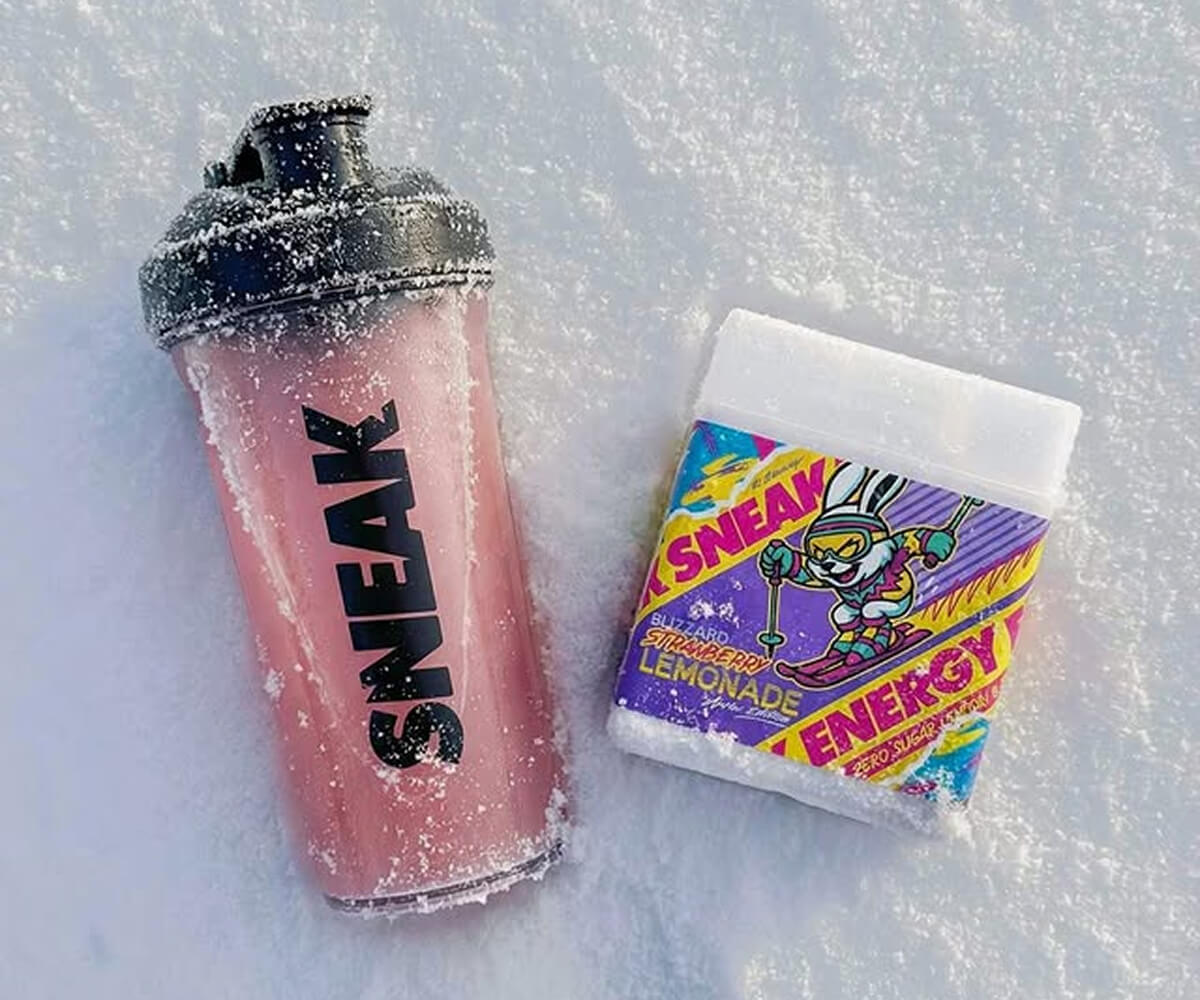


Shoppable recipes and tasting videos connect inspiration directly to checkout.
Social listening and UGC imports help launch campaigns while recipes are still viral.
Meal, snack, and drink pairing videos naturally drive multi-product purchases.
Transformation and routine storytelling increases emotional buying motivation.
Run lifestyle transformation campaigns, routine education programs, and seasonal buying guides that help customers visualize home product value.


















.webp)
.webp)
.webp)
.webp)