Add YouTube videos to Shopify and make them shoppable.
Put the YouTube videos you already have on your Shopify product pages, emails and shoppable placements, and let shoppers buy straight from the video.
✓
Add YouTube videos to your Videowise library
✓
Tag products and let shoppers add to cart in the player
✓
Go live and simulcast to YouTube with Live Shopping

How to add YouTube videos to your Shopify store
Step 1
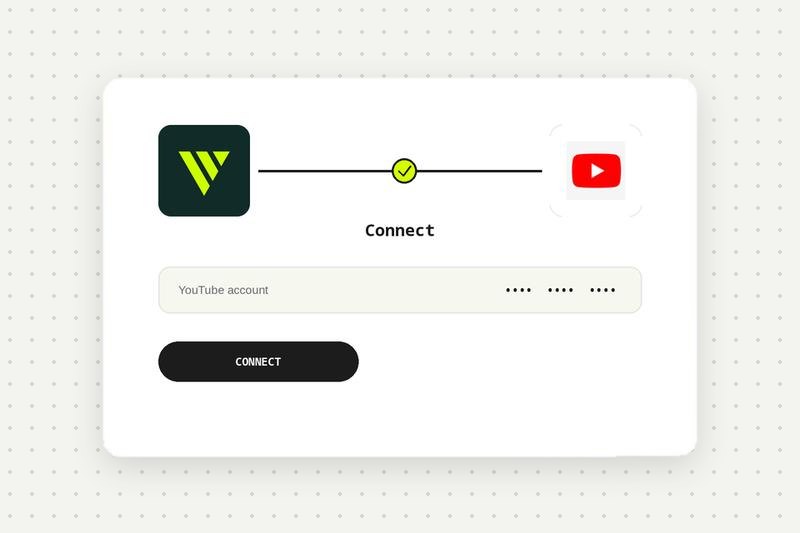
Add your YouTube video
Add a YouTube video to your Videowise library.
Step 2
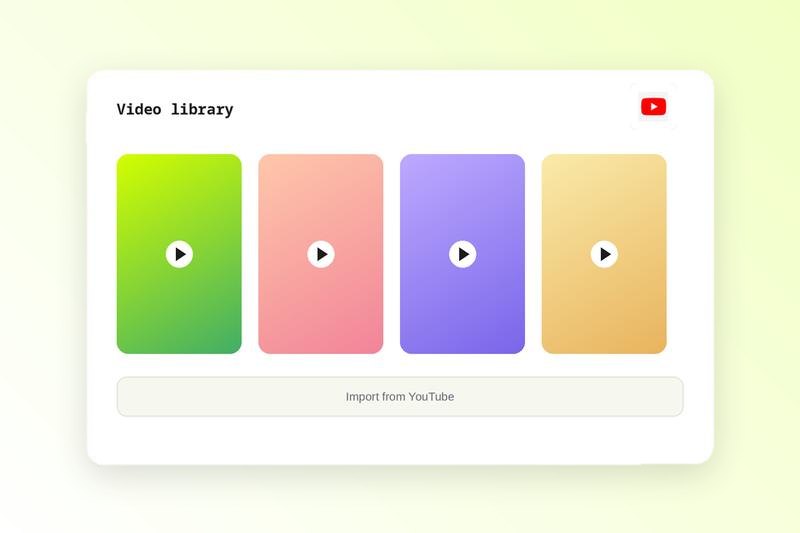
Tag products
Tag the products featured in the video.
Step 3
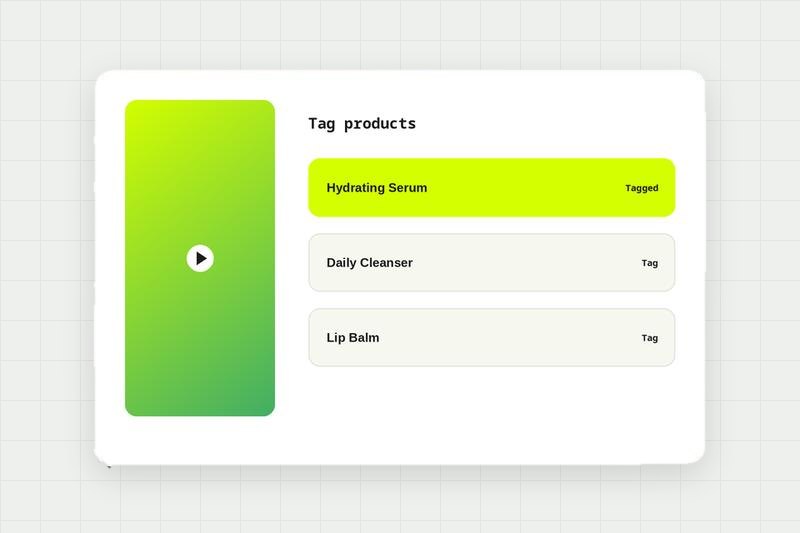
Create a widget
Pick a widget type and style the player.
Step 4
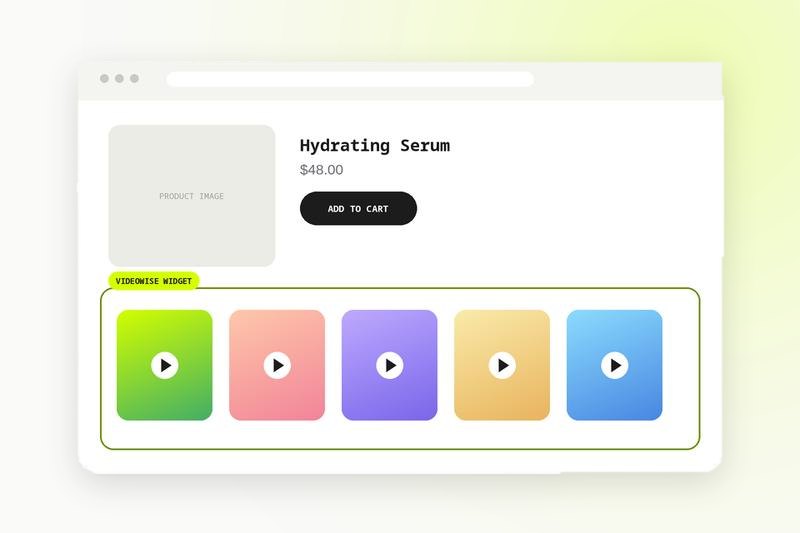
Publish
Publish the widget to your store pages and track results.
Step 5
Part of a hub
Compare every integration in this category, see what each one needs to connect, and read the shared FAQs.
See the hub →
FAQs
YouTube integration FAQ
⌄
How do I embed a YouTube video on a Shopify product page?
Add the YouTube video to your Videowise library, tag the products it features, then publish it to your product page template.
⌄
Can I stream live to YouTube?
Live shopping shows can be simulcast to multiple channels.