Publish videos to TikTok Shop in bulk.
Push videos from your Videowise library to TikTok Shop in a few clicks, matched to the right products, then see their stats in your Videowise dashboard.

How to publish videos to TikTok Shop
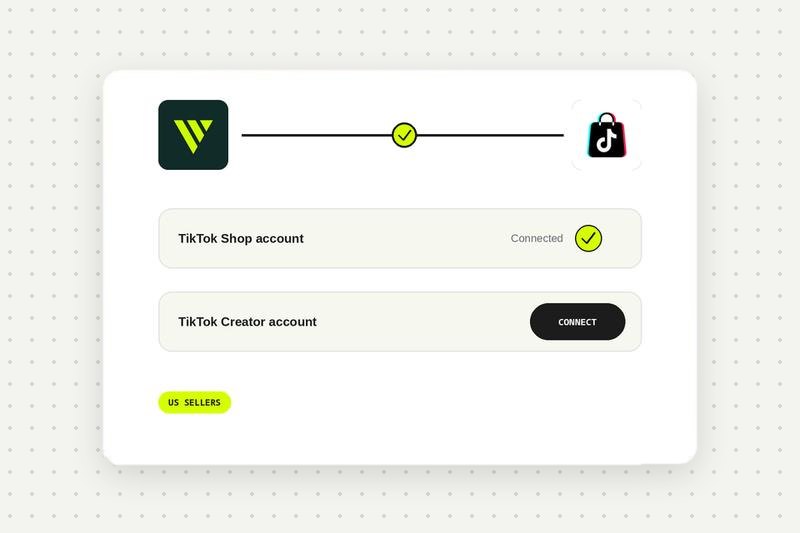
Connect your accounts
Connect your TikTok Shop account, then your TikTok Creator account, and authorise Videowise. See the TikTok Shop setup guide in the help center.
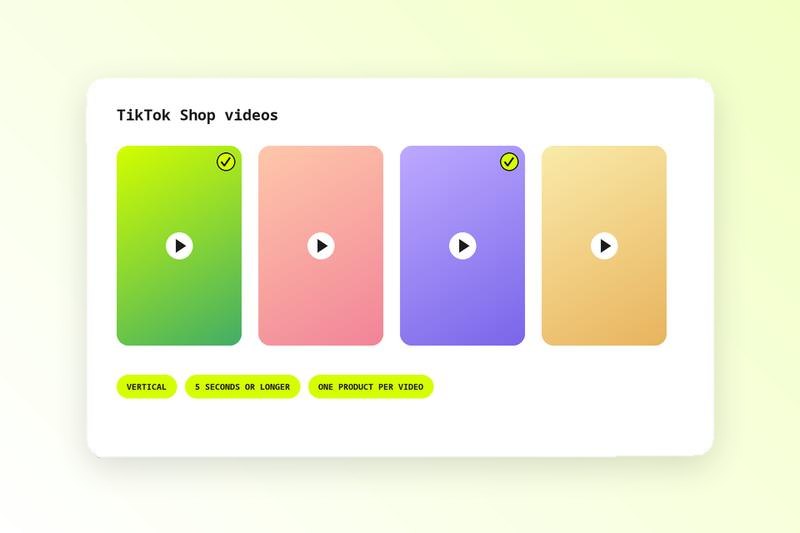
Add videos from your library
Select videos that have at least one tagged product so Videowise can match it to a TikTok Shop product.
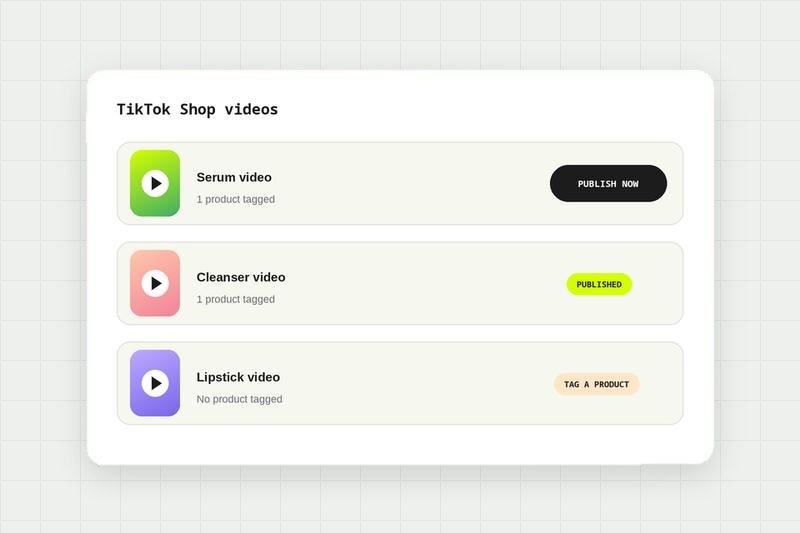
Publish to TikTok Shop
Fix any errors, then publish. Each video publishes to one TikTok Shop product.
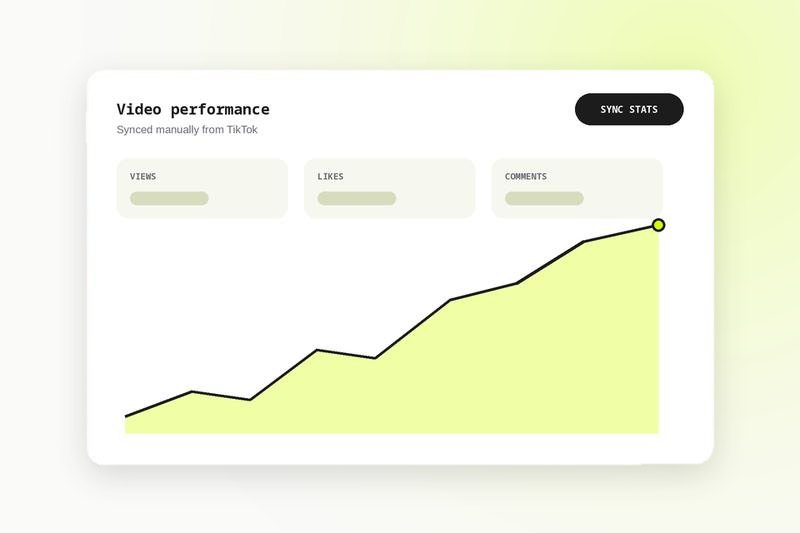
Sync your stats
Sync views, likes and comments per video or in bulk, next to your other video analytics. Stats sync is manual.
TikTok Shop video requirements
Check these before you publish, and Videowise flags anything that does not pass:
- Vertical format
- At least 5 seconds long
- Linked to exactly one product
- That product exists in your TikTok Shop catalog
Why publish from Videowise instead of uploading by hand
One library for your store and TikTok Shop
The videos on your Shopify store, in your emails and on TikTok Shop come from the same library, so you produce once and publish everywhere.
Bulk publishing with product matching
Publish many videos at once. Videowise reads the product tags you already set and matches each video to the right TikTok Shop listing.
Your UGC, ready for TikTok Shop
Videos collected through the UGC Hub or imported from TikTok can go straight to TikTok Shop once tagged.
Stats in one dashboard
See TikTok views, likes and comments next to the performance of the same videos on your site.
TikTok Shop and your own store, together
TikTok Shop brings discovery, and your own store keeps the customer relationship and the margin. Videowise lets you run both from one place: shoppable video on your store, social selling through Social Commerce, and the same videos on TikTok Shop.
Compare every integration in this category, see what each one needs to connect, and read the shared FAQs.
TikTok Shop integration FAQ
In Videowise, connect your TikTok Shop account, then your TikTok Creator account, and authorise Videowise. Both are needed to publish videos and match products.
Select videos from your Videowise library that have a tagged product, fix any errors flagged, and publish. Each video goes to its matching TikTok Shop product.
Currently it is only available for TikTok Shop US sellers. Other markets will be added later.
Videos must be vertical, at least 5 seconds long, and linked to exactly one product that exists in your TikTok Shop catalog.
Your TikTok Shop account handles the product catalog and selling. Your TikTok Creator account gives Videowise access to TikTok's API to publish and manage videos.
Yes, once the video is in your Videowise library and tagged with a product. Make sure you have the creator's rights to use it.
Yes, for videos you published from Videowise: views, likes and comments. Due to API limits you sync them manually.
No. Videowise syncs views, likes and comments. Orders stay in TikTok Shop.
No. Product sync apps send your catalog to TikTok Shop. Videowise publishes videos to the products that are already there.