Sell Smartt subscriptions from shoppable video.
Let shoppers choose Subscribe & Save or a one-time purchase without leaving the shoppable video. Options come straight from Smartt and checkout stays on Shopify.
How to sell Smartt subscriptions with video
Set up subscription products in Smartt
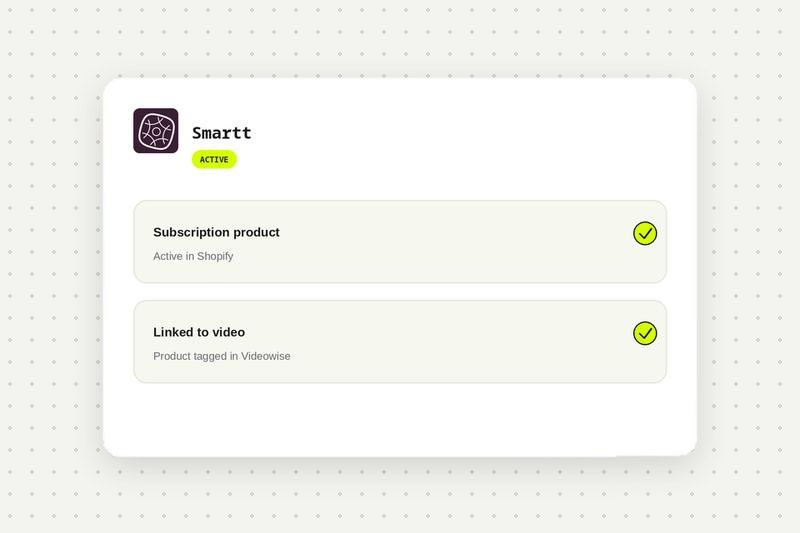
Make sure your subscription products are active in Shopify through Smartt and linked to your videos in Videowise.
Enable subscriptions on the widget
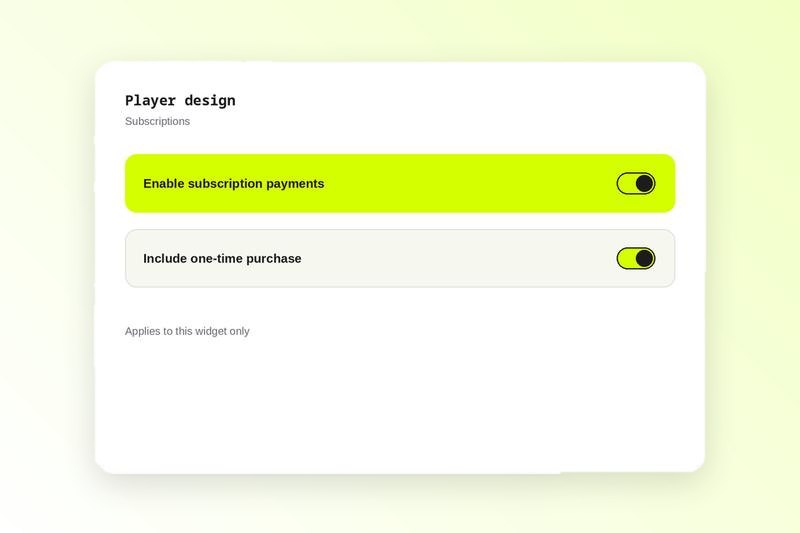
Open the widget, go to Player design, then Subscriptions, and turn on Enable subscription payments. See the Smartt setup guide in the help center.
Write your labels
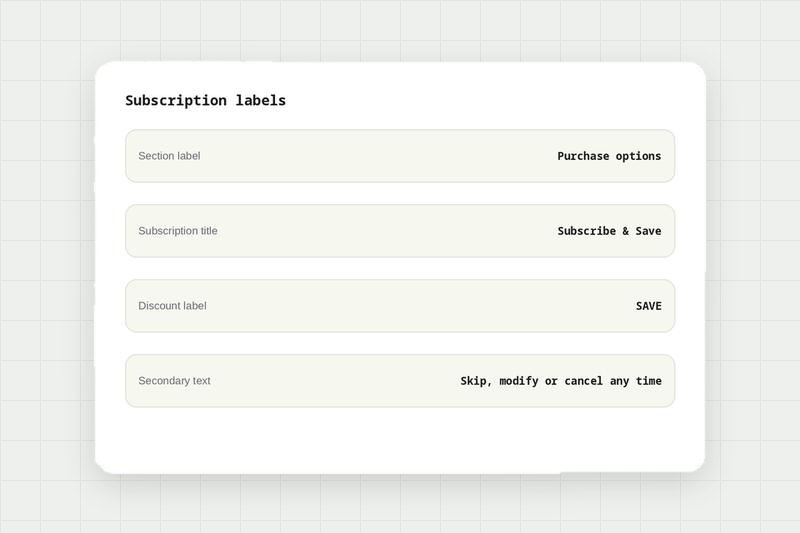
Set the section label, subscription title, discount badge and the secondary text that explains terms such as skip or cancel any time.
Preview on mobile
Shoppers see one-time and subscription options in the video player. Check it on mobile, where most subscription purchases happen.
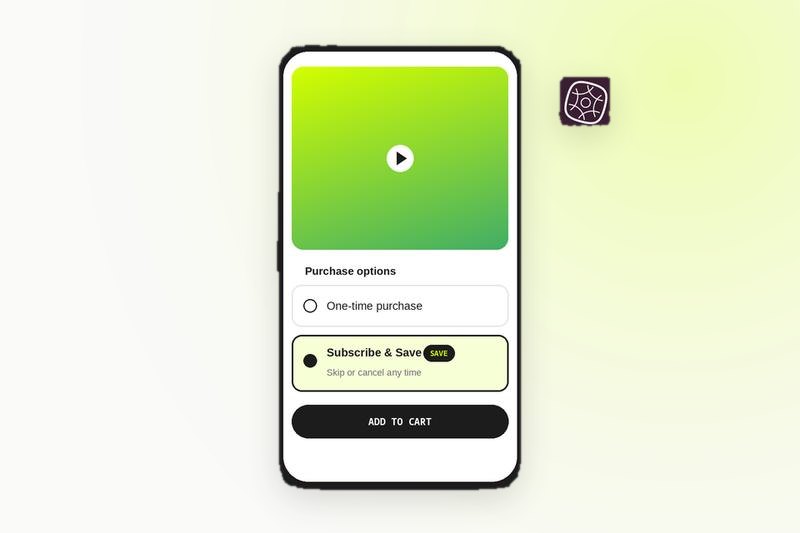
Sell subscriptions straight from your shoppable videos.
Compare every integration in this category, see what each one needs to connect, and read the shared FAQs.
Smartt integration FAQ
Yes. Videowise shows the subscription options you set up in Smartt, so shoppers can choose Subscribe & Save or a one-time purchase in the video player.
There is no separate connection step. With your Smartt products active in Shopify and tagged in your videos, turn on Enable subscription payments in the widget under Player design, Subscriptions.
No. Videowise surfaces the subscription options your app already provides. Billing and management stay in your subscription app.