Publish shoppable videos and live shows to the Shop app.
Get your videos into the Shop app home feed and your live shows in front of Shop app shoppers, who buy without leaving the app.

How to publish videos to the Shop app
Install Videowise
Make sure Videowise is installed and the Shop app is downloaded and updated on your phone. See the Shop App setup guide in the help center.
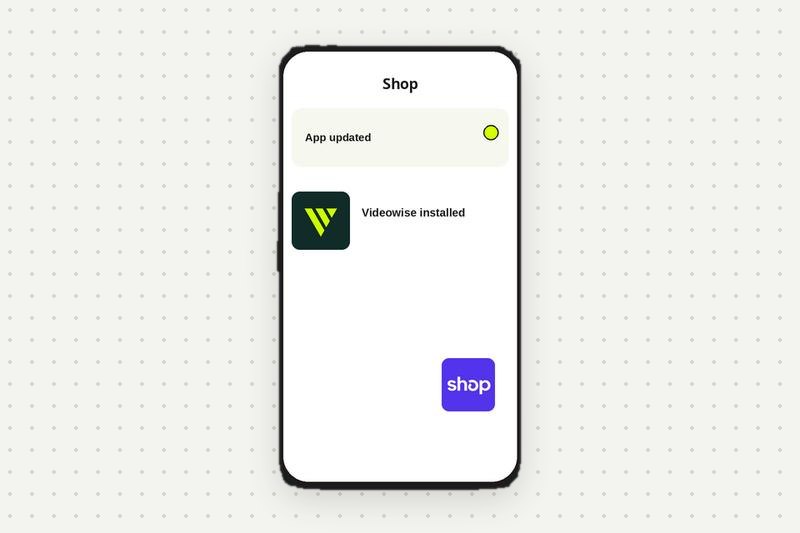
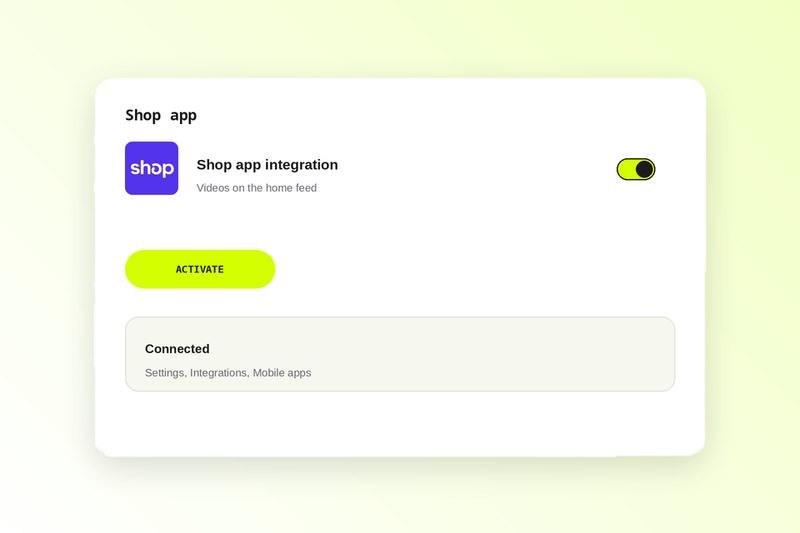
Activate the Shop app integration
In your Videowise dashboard, open Shop app and click Activate.
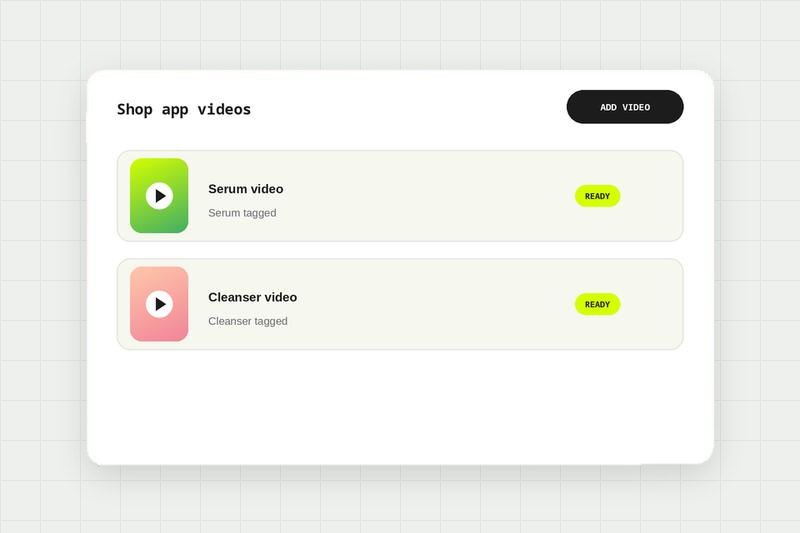
Add tagged videos
Click Add video, check each video has the right product tagged, and publish.
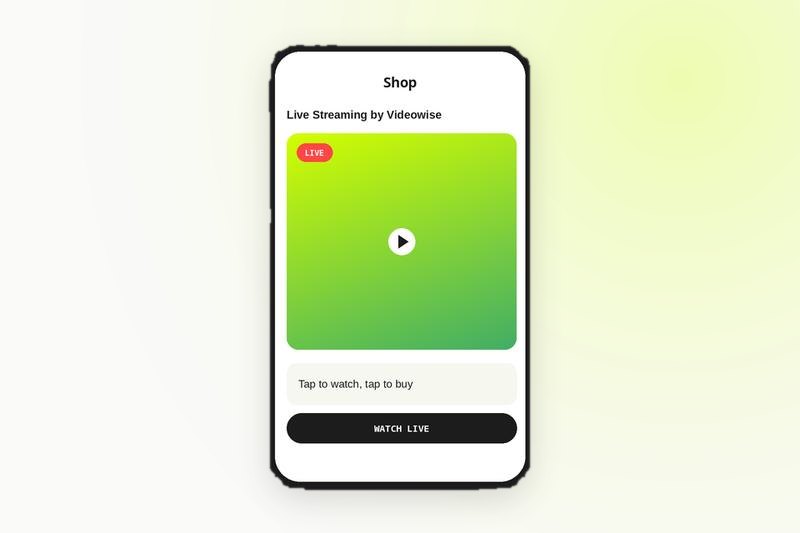
Go live
Start a live show with Videowise Live Shopping. It appears in the Shop app automatically.
Compare every integration in this category, see what each one needs to connect, and read the shared FAQs.
Shop App integration FAQ
In your Videowise dashboard, open Shop app, click Activate, then add videos that have the right product tagged and publish. They appear in the Shop app home feed.
In the Shop app home feed, the main discovery feed where customers browse for new products.
The Shop app integration is available to all Videowise customers. Live shopping in the Shop app is available on all Live Shopping plans.
Not yet. Sales attribution from the Shop app is not available because of platform limitations on Shopify's side.
No. They watch and buy inside the Shop app using Shop Pay.