Add videos to Klaviyo emails and SMS.
Add shoppable video to every Klaviyo flow and campaign. Paste one block and your product videos and UGC start selling from the inbox.
How to add video to a Klaviyo email
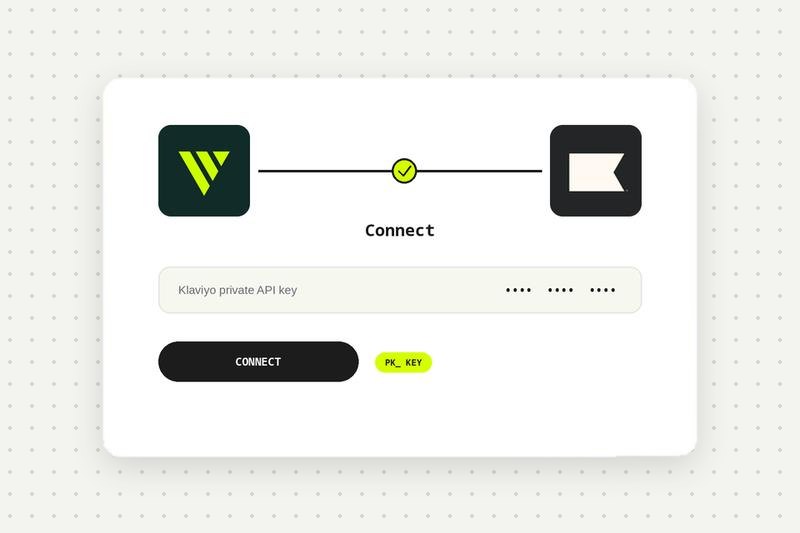
Connect Klaviyo
Create a Private API key in Klaviyo with full access on Lists, Profiles and Subscriptions, and paste it in Videowise under Settings, Integrations, Email & SMS, Klaviyo. See the Klaviyo setup guide in the help center.
Build your video block
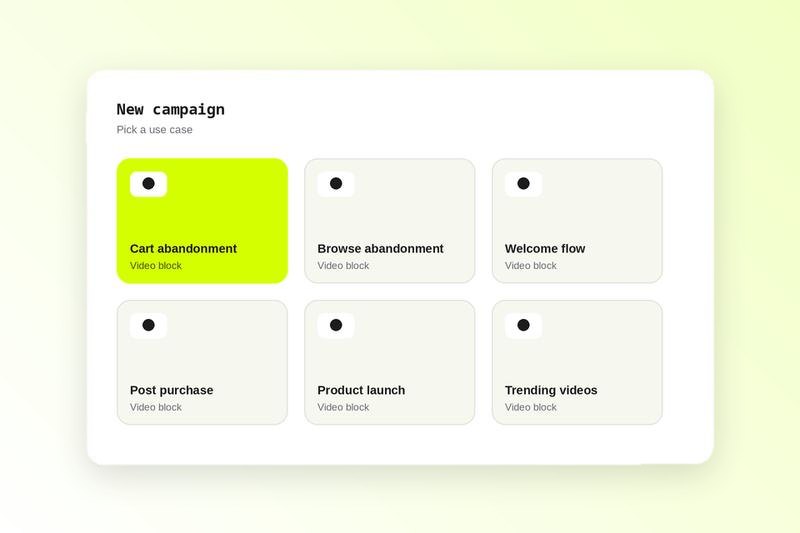
Pick a use case such as cart abandonment, add product-linked videos and style the player.
Add the video to your Klaviyo email
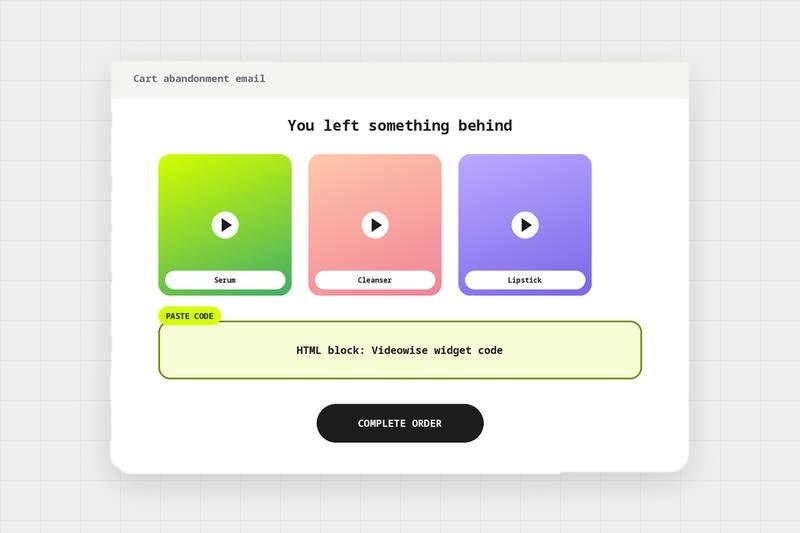
Click Publish, copy the code, and paste it into an HTML block in any Klaviyo flow or campaign.
Add video to Klaviyo SMS
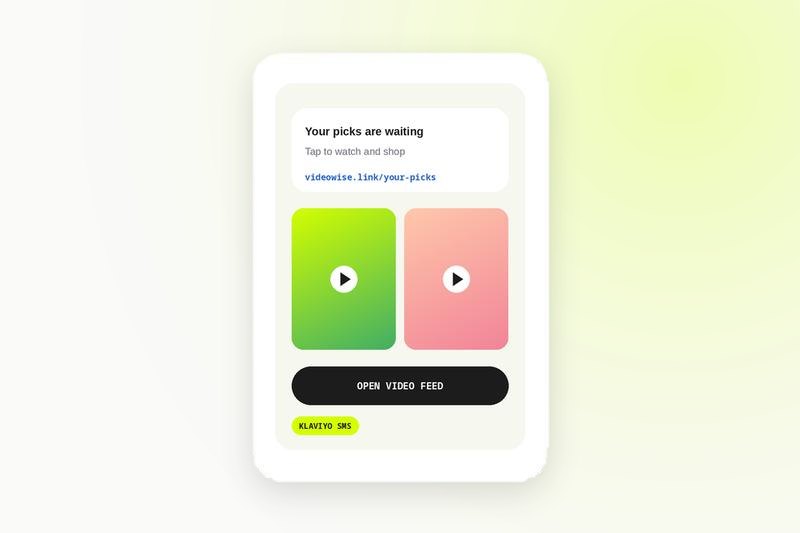
Build a playlist in Videowise and paste the code into a Klaviyo SMS template. Tapping the link opens a shoppable video feed.
Add videos to email at every step of the customer journey
Cart abandonment
Show the product they left behind in action, so the reminder answers the question that stopped them.
Browse abandonment
Follow up on the products they viewed with the videos for those products.
Welcome series
Introduce your brand and best sellers with founder videos and UGC instead of static banners.
Post purchase
Send how-to and styling videos for what they bought, and suggest what goes with it.
Product launch
Lead a launch campaign with the launch video, linked straight to the new product.
Trending videos
Feature the videos that are selling most on your store right now.
Why video in email works without hurting deliverability
Most inboxes do not play embedded video, and heavy files can push emails into spam. Videowise adds a lightweight animated preview instead. It shows motion in the inbox, and a click opens a shoppable player where the shopper can watch and add to cart. The videos are the same ones on your Shopify store, so your library works across site, email and SMS.
Video in Klaviyo SMS
Text messages can't hold a video player, so Videowise sends a link to a shoppable video feed. Build a playlist, paste the code into a Klaviyo SMS template, and subscribers tap through to vertical videos they can shop from their phone.
Compare every integration in this category, see what each one needs to connect, and read the shared FAQs.
Klaviyo integration FAQ
Connect Klaviyo in Videowise, build a video block for your use case, click Publish, then paste the code into an HTML block in your Klaviyo flow or campaign.
Most inboxes do not play embedded video. Videowise adds lightweight animated previews that open a shoppable player on click, so you get motion without hurting deliverability.
Cart abandonment, browse abandonment, welcome, post purchase, product launch and trending videos. They work in flows and campaigns.
The animated preview shows in most email clients. Where animation is not supported, the first frame shows as a still image that still opens the shoppable player.
A Private API key with full access on Lists, Profiles and Subscriptions. Use the private key that starts with pk_, not the public key. Someone with the Owner, Admin or Manager role in Klaviyo can create it.
Views and add to cart from the shoppable player show in Videowise analytics.