Show Judge.me reviews and star ratings on your shoppable videos.
Connect Judge.me to Videowise and your star ratings and review counts appear next to products inside the shoppable video player, right where shoppers decide.

How to show Judge.me reviews on shoppable videos
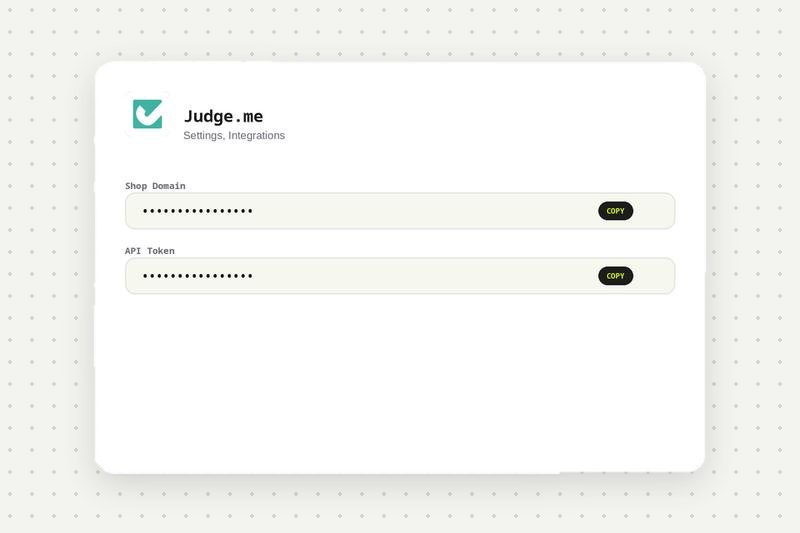
Copy your Judge.me details
In your Judge.me dashboard in Shopify, go to Settings, Integrations, Automatic Integrations and copy your Shop Domain and API Token.
Connect Judge.me in Videowise
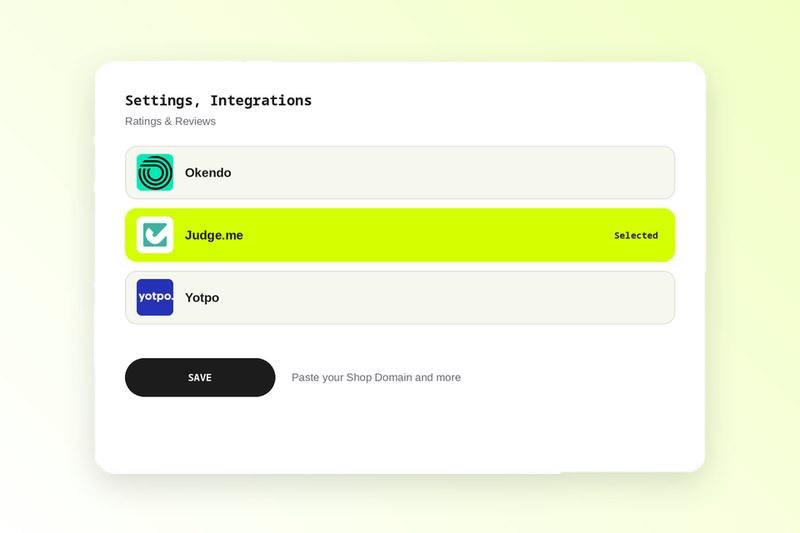
In Videowise, go to Settings, Integrations, Ratings & Reviews, select Judge.me and paste your Shop Domain and API Token. Save. See the Judge.me setup guide in the help center.
Turn on ratings in each video
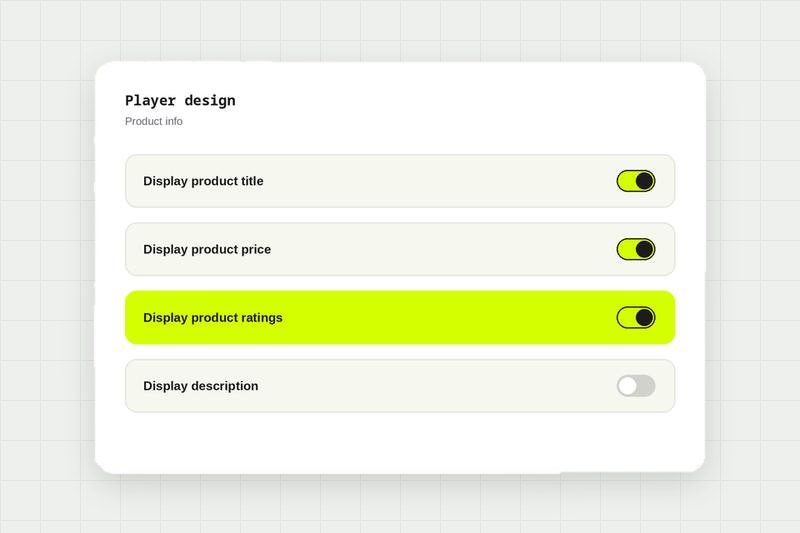
Open the widget, go to Player design, then Product info, and enable display product ratings.
Check the player
Star ratings and review counts appear beside products inside the shoppable video.
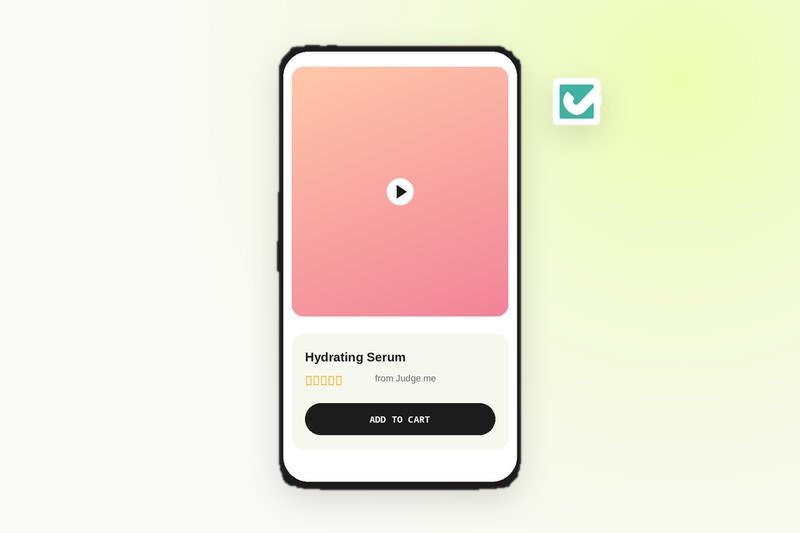
Show product reviews on your shoppable videos.
Compare every integration in this category, see what each one needs to connect, and read the shared FAQs.
Judge.me integration FAQ
Go to Settings, Integrations, Ratings & Reviews in your Videowise dashboard, select Judge.me and enter your Shop Domain and API Token.
Yes. Once Judge.me is connected and ratings are turned on, star ratings and review counts show next to products in the video player.