Shoppable video for Adobe Commerce and Magento.
Videowise runs on Adobe Commerce through a script and a small configuration object, so you get the same shoppable video experience as on Shopify, connected to your own cart.
How to add shoppable video to Magento product pages
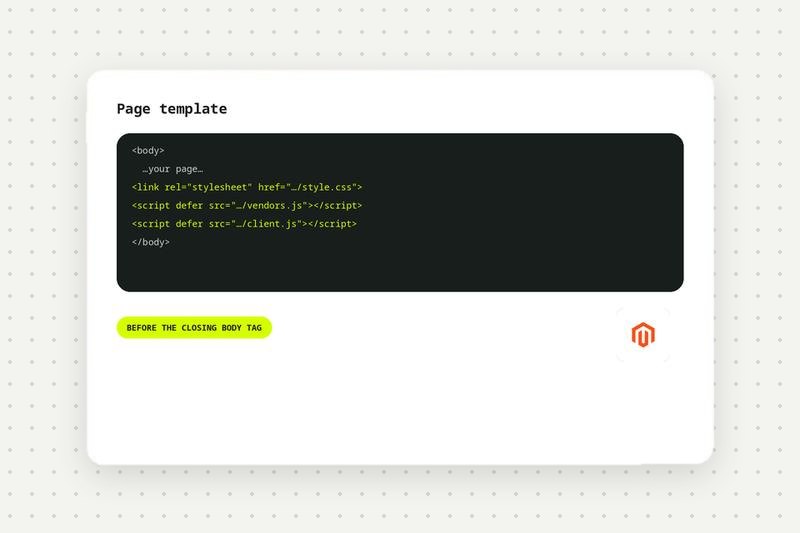
Add the Videowise scripts
Insert the Videowise stylesheet and scripts before the closing body tag of your site.
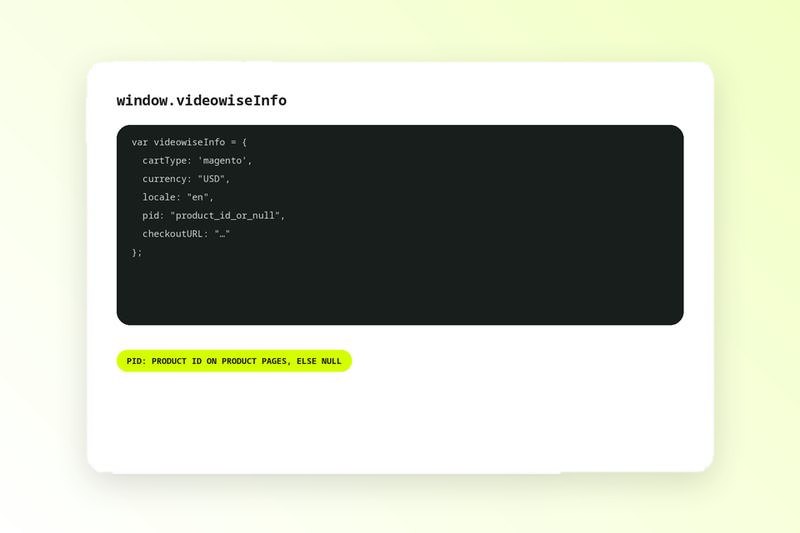
Configure videowiseInfo
Set cartType to magento, plus your currency, locale and product ID on product pages.
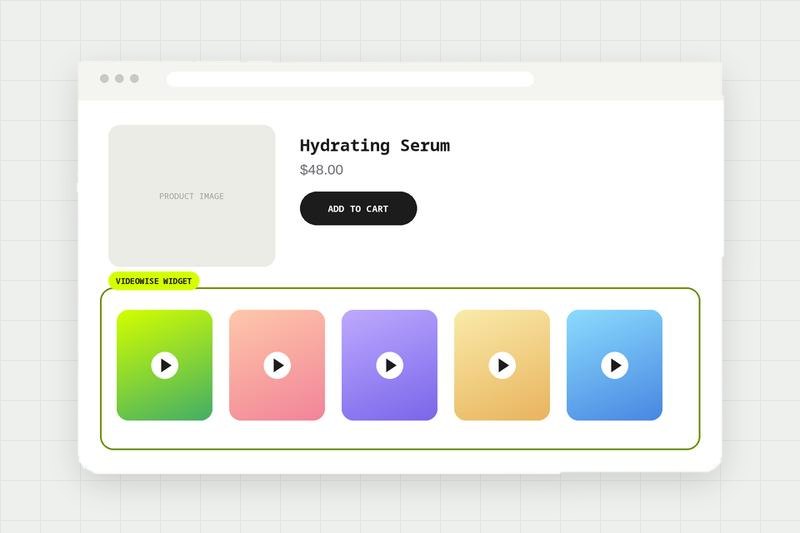
Choose where widgets show
Place widgets on the pages and locations you want.
Connect add to cart
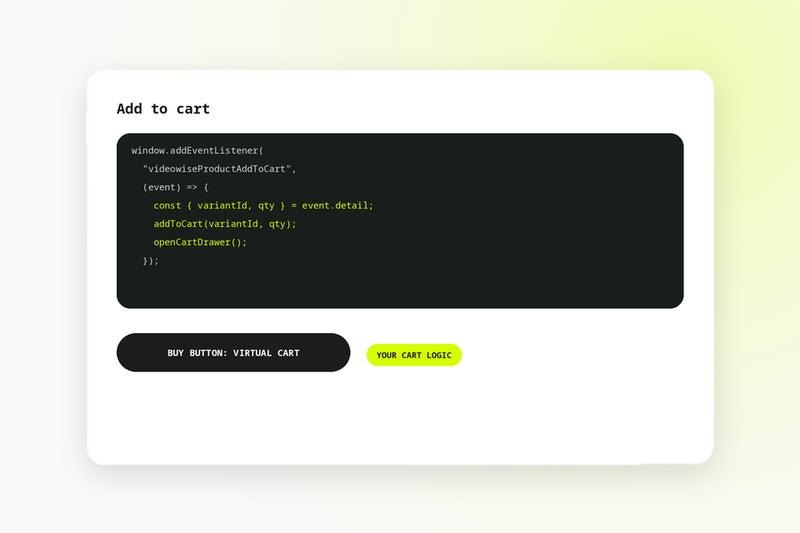
Set Buy Button behavior to Virtual Cart and listen for the videowiseProductAddToCart event to run your own cart logic. See the Adobe Commerce setup guide in the help center.
Compare every integration in this category, see what each one needs to connect, and read the shared FAQs.
Adobe Commerce integration FAQ
Add the Videowise scripts to your Magento storefront, set window.videowiseInfo with your product ID on product pages, and choose where the videos show. Add to cart runs through your own cart logic.
Yes. The window.videowiseInfo implementation supports Salesforce Commerce Cloud, Magento and WooCommerce as well as headless Shopify.
The product ID when a product page is rendered, and null or an empty string on any other page.
In custom setups Videowise emits a videowiseProductAddToCart event with the variant ID and quantity. Your code adds the product and triggers any UI such as a cart drawer.