

Table of Contents
- Introduction
- The Revenue Case for Live Streaming in 2026
- Preparing Your Infrastructure for Facebook Live
- Strategic Content Frameworks for Live Commerce
- Step-by-Step: Executing a High-Revenue Facebook Live
- Integrating Facebook Live with Your On-Site Strategy
- Optimizing for Mobile and Performance
- Measuring Success: Beyond the "Like"
- Managing UGC and Influencer Collaborations
- Avoiding Common Pitfalls in Live Commerce
- The Future of Social Commerce on Facebook
- Conclusion
- FAQ
Introduction
Customer acquisition costs (CAC) continue to climb in 2026, forcing ecommerce operators to move beyond passive social advertising. The challenge for modern Shopify brands is no longer just getting eyes on a product; it is about shortening the distance between discovery and checkout. Facebook remains a powerhouse for reach, but its role in the commerce funnel has evolved. While native platform tools have changed over the years, the strategy of using live video to drive high-intent traffic remains one of the most effective ways to boost Conversion Rate (CVR) and Average Order Value (AOV).
At Videowise, we focus on turning every video asset into a measurable revenue driver. This guide explores how to execute a sophisticated live shopping strategy that prioritizes Revenue Per Session (RPS) over vanity engagement metrics. We will cover the technical setup, content frameworks, and the critical bridge between social platforms and your on-site experience.
Quick Answer: Facebook live stream shopping is a strategy where brands use live video broadcasts to demonstrate products and interact with shoppers in real-time. By combining social reach with direct-to-site conversion tactics, operators can drive immediate sales, answer customer objections live, and increase total revenue per session.
The Revenue Case for Live Streaming in 2026
Live video is no longer a peripheral marketing tactic; it is a high-performance sales channel. For a Shopify brand, the primary value of a live stream is the ability to compress the sales cycle. In a standard funnel, a customer might see an ad, visit a collection page, browse, and eventually buy days later. In a live stream environment, the brand can move a viewer from "awareness" to "purchased" in under ten minutes.
The impact on Average Order Value (AOV) is particularly notable. When a host demonstrates how multiple products work together—such as a skincare routine or a layered fashion look—shoppers are more likely to add the entire bundle to their cart. For a brand-level example, Tibi's live shopping case study shows how a live format can scale into direct revenue.
Conversion Rate (CVR) also sees a lift because live video solves the "trust gap." High-definition photos can be misleading, but live video shows the product in motion, under various lighting, and in real-world use cases. This transparency reduces the perceived risk for the buyer, leading to faster decision-making and fewer returns.
Preparing Your Infrastructure for Facebook Live
Success in live commerce starts with technical readiness and a clear conversion path. While the technical barrier to entry is low, the infrastructure supporting the stream must be robust to ensure that the influx of traffic translates into revenue without slowing down your store or hurting Core Web Vitals (the metrics Google uses to measure page speed and user experience).
Setting Up the Technical Stack
You do not need a professional film studio to drive significant revenue. Most high-growth brands use a high-quality smartphone or a mirrorless camera connected to a computer via a capture card. The more important "stack" is your commerce integration. Since Facebook shifted its native shopping features, operators must ensure their "link in bio" or "on-screen call to action" leads to a high-converting, mobile-optimized landing page. If you are also using comments to move viewers toward checkout, Videowise’s social commerce tools for comment-to-buy are the next layer to consider.
Many brands now use comment-selling automation. This technology allows a shopper to comment a specific keyword (like "BUY123") during the stream, which triggers an automated message in Facebook Messenger with a direct checkout link. This minimizes friction and prevents the shopper from having to leave the video to find a product on your site.
Creating the Product Selection
Not every product in your catalog is suited for a live stream. For maximum Revenue Per Session (RPS), focus on products that benefit from demonstration or have a high degree of visual interest.
- New Arrivals: Use the "drop" model to create artificial scarcity and excitement.
- High-Margin Bundles: Live streams are the best place to explain the value of a multi-product set.
- Complex Items: If a product requires education (e.g., a technical gadget or a multi-step beauty tool), the live format allows you to handle objections before they occur.
- Best-Sellers with a Twist: Re-introduce popular items with new use cases or limited-time discounts exclusive to the stream.
Strategic Content Frameworks for Live Commerce
A live stream without a narrative is just a long-form commercial that shoppers will skip. To maintain viewership and drive sales, your stream must follow a structure that balances entertainment with "hard" commerce triggers.
The Product Launch "Drop"
This is the most common framework for fashion and lifestyle brands. The entire stream is built around the "reveal" of a new collection. By keeping the products hidden until the broadcast, you build anticipation.
- Pre-stream: Tease the drop on Instagram and via SMS.
- During stream: Reveal products one by one, highlighting limited stock levels to drive urgency.
- Post-stream: Move the recorded video to your site as shoppable video to catch latecomers.
The Educational Workshop or Tutorial
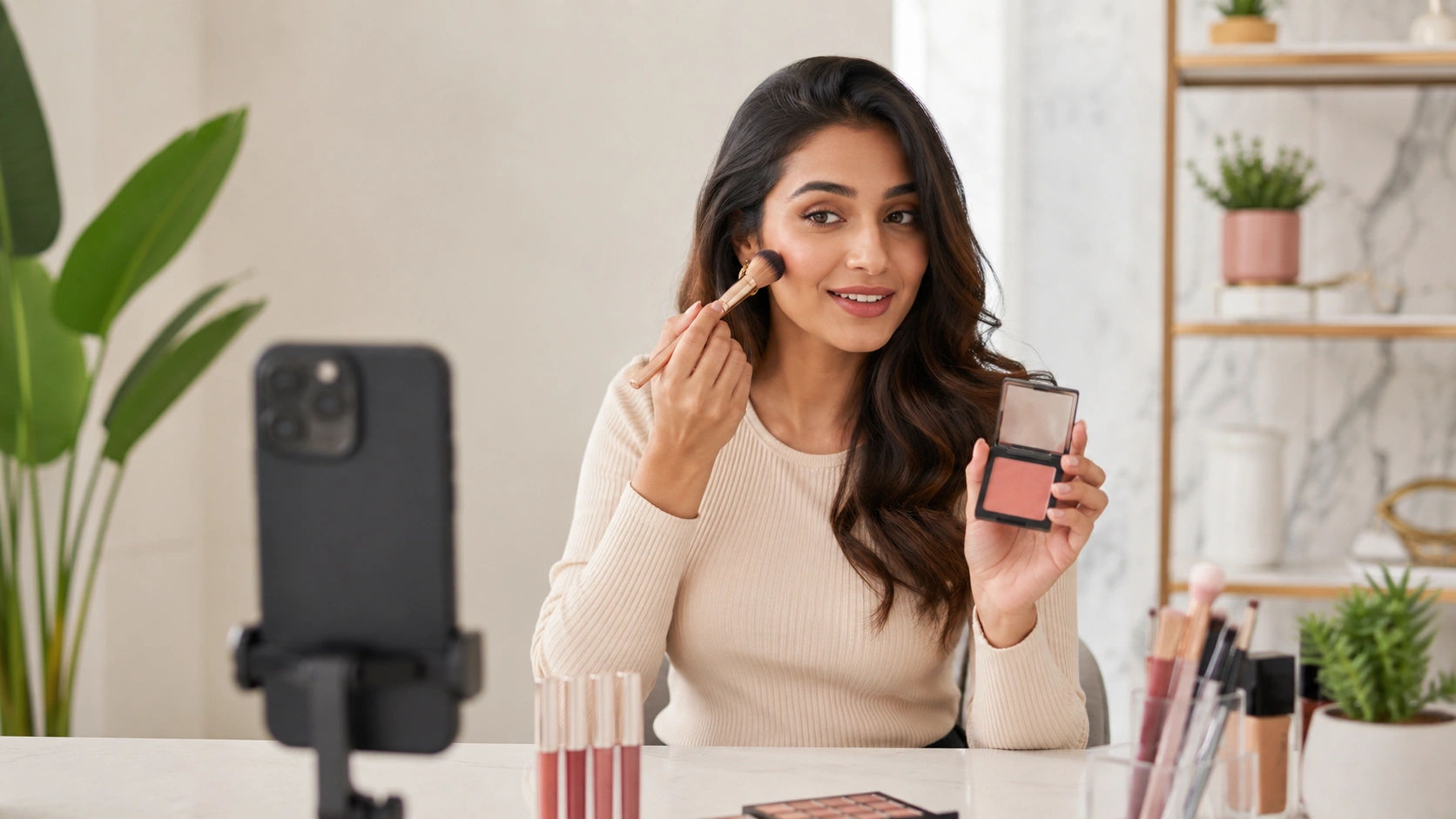
Beauty and wellness brands excel here. Instead of just selling a product, you are selling a result. A makeup artist might do a full "get ready with me" session, using specific SKUs. The focus is on the "how-to," but the "buy" is the logical next step for the viewer who wants to achieve that specific look.
The "Flash Sale" or Vault Opening
For brands looking to move inventory or boost end-of-quarter revenue, the flash sale model works best. Offer a deep discount that is only valid for the duration of the live broadcast. Use a countdown timer on screen to reinforce the expiring nature of the deal.
| Format Type | Primary Goal | Best For | Metric to Watch |
|---|---|---|---|
| Product Drop | High Excitement | New Collections | CVR |
| Tutorial | Education / Trust | Beauty, Tech, Home | AOV (via bundles) |
| Flash Sale | Inventory Clearance | End of Season | Total Revenue |
| Q&A / FAQ | Objection Handling | High Price Point | Return Rate (Reduction) |
If you want a companion guide for the broader on-site layer, get started with shoppable videos using Videowise.
Key Takeaway: Don't just broadcast; curate. The most successful facebook live stream shopping events are those that offer something the shopper can't get by just browsing the website—whether that's exclusive knowledge, a limited-time price, or first access to new goods.
Step-by-Step: Executing a High-Revenue Facebook Live
Execution is where many operators fail, often due to a lack of preparation or poor timing. Follow these steps to ensure your event runs like a professional sales channel.
Step 1: Schedule and Promote Early
Do not just go live and hope people show up. Schedule your Facebook Live event at least 3–5 days in advance. This generates a "Remind Me" button for your followers. Use your email and SMS lists to drive "intent to watch." Mention that there will be an exclusive offer or a limited-edition product reveal to increase the "save" rate.
Step 2: Conduct a Technical Dry Run
Test your audio specifically. Shoppers will tolerate average video quality, but they will leave immediately if the audio is muffled or lagging. Check your internet upload speed; a stable, wired connection is always preferred over Wi-Fi for 2026-standard high-definition streaming.
Step 3: Script Your Segments
You don't need a word-for-word script, but you do need a "run of show." Break your 30–60 minute stream into 10-minute blocks. Every block should include:
- A quick re-introduction of who you are and what the brand is (for new joiners).
- A clear demonstration of one key product.
- A specific "how to buy" call to action.
- A brief Q&A segment.
Step 4: Engagement and Moderation
Have at least one person (the "Moderator") behind the scenes. Their job is to post product links in the comments as the host mentions them and to flag important questions for the host to answer. This person can also handle customer service questions in real-time, preventing the "comment section" from becoming a distraction.
Step 5: The "Closing" Call to Action
As the stream ends, give a final recap of all products shown. Remind viewers how long the exclusive offer will last. This is your final chance to convert the "fence-sitters" who have been watching but haven't clicked "buy" yet.
Integrating Facebook Live with Your On-Site Strategy
The biggest mistake brands make is letting the live stream die once the "End Broadcast" button is pressed. In reality, the live event is just the beginning of the content's revenue-generating life.
Most of your customers will not see the stream live. However, the high-energy, authentic content created during that hour is incredibly valuable for your Product Detail Pages (PDPs) and homepages. We help brands take these recorded live sessions and transform them into shoppable video modules on their own storefronts.
By taking the best segments of your Facebook Live—the product demos, the FAQ answers, the "unboxing"—and embedding them directly onto your PDPs, you provide a rich, interactive experience for future shoppers. This strategy ensures that the effort put into a live stream continues to drive Conversion Rate (CVR) long after the social media notification has disappeared.
Myth: "Live streaming only works if you have thousands of viewers." Fact: Small, high-intent audiences often have higher conversion rates. A stream with 50 people who are deeply interested in your niche can generate more revenue than a stream with 5,000 "passerby" viewers. Focus on the quality of the audience, not just the headcount.
Optimizing for Mobile and Performance
In 2026, over 80% of your Facebook Live viewers will be on mobile devices. This means your checkout process must be frictionless. If a user clicks a link in your stream and the landing page takes more than three seconds to load, you have lost the sale.
This is where performance-first infrastructure becomes critical. When driving a sudden burst of traffic from a live stream to your site, you must ensure your video assets are optimized. Using a platform like Videowise allows you to host and display video on your site without compromising Core Web Vitals. For a closer look at the revenue dashboard behind that workflow, explore the Content Performance dashboard.
Measuring Success: Beyond the "Like"
If you want to treat Facebook Live as a revenue channel, you must measure it like one. For a deeper framework, see how to track shoppable video performance. Stop looking at "Total Reach" or "Number of Comments" as your primary KPIs. Instead, focus on the following:
- Direct Revenue: Sales made via the specific links or comment-selling keywords used during the stream.
- Influenced Revenue: Customers who watched the stream and made a purchase within 24–48 hours, even if they didn't use the direct link.
- Average Order Value (AOV) Lift: Comparing the AOV of live stream shoppers versus your site-wide average.
- Customer Acquisition Cost (CAC) Efficiency: Total cost of producing the stream (including staff time and samples) divided by new customers acquired.
Bottom line: A successful facebook live stream shopping event is measured in dollars, not likes. By tracking influenced revenue and AOV, you can justify the time investment and refine your content strategy for future broadcasts.
Managing UGC and Influencer Collaborations
Collaborating with influencers for your Facebook Live events can 10x your reach. However, the strategy should move beyond a simple "shoutout."
When an influencer hosts a live stream on your brand's page, they bring their trust and community with them. To maximize this, ensure the influencer has a deep understanding of the product technicals, not just the aesthetics.
Furthermore, you should secure the usage rights for that live stream content immediately. Repurposing an influencer’s live demo as a shoppable video on your homepage is a high-yield tactic. Andar's live shopping case study is a strong example of how live commerce can sit inside a broader video strategy. It provides social proof at the exact moment a customer is considering a purchase. Our platform simplifies this by allowing you to import UGC and influencer content from social platforms and turn it into shoppable assets with just a few clicks.
Avoiding Common Pitfalls in Live Commerce
Even the best-planned streams can falter if you ignore the basics of the operator experience.
- Over-complicating the Production: You don't need three camera angles and a graphics package for your first ten streams. Focus on clear lighting and great audio. The "raw" and "authentic" feel of live video is often what drives the trust that leads to conversion.
- Ignoring the "Late Joiners": People will pop in and out of your stream. If you only explain the product and how to buy at the very beginning, 70% of your audience will be lost. Repeat your "how to shop" instructions every 10–15 minutes.
- Failing to Follow Up: Use the comments section after the stream to answer any questions you missed. Send a "Missed the Live?" email with a link to the recording and a "shoppable" version of the featured products.
- Static Sales Pitch: If the host just reads a teleprompter, the audience will leave. The power of live is interaction. Call out viewers by name, answer their specific questions, and react to the live feedback.
The Future of Social Commerce on Facebook
As we move further into 2026, the lines between "social" and "commerce" will continue to blur. Facebook is increasingly acting as a top-of-funnel discovery engine, while your brand's own site serves as the high-conversion destination. The same playbook extends to live shopping inside Shop App, where broadcasts can keep converting across channels.
The most successful brands will be those that create a virtuous cycle of content. They use Facebook Live to engage, entertain, and sell in the moment. Then, they use the data and the video assets from those sessions to optimize their on-site experience.
This omnichannel approach—where video is consistent across social media, email, and the storefront—is what separates the market leaders from those struggling with conversion plateaus. By focusing on performance, speed, and revenue-centric metrics, you can turn Facebook live stream shopping from an experimental tactic into a predictable growth lever.
Conclusion
Facebook live stream shopping remains a vital tool for Shopify operators who need to drive immediate revenue and build long-term customer trust. By focusing on high-intent product selection, a structured run-of-show, and a frictionless mobile checkout, you can significantly increase your store's AOV and CVR.
The real power lies in the lifecycle of your video assets. Don't let your best demonstrations disappear when the live stream ends. At Videowise, we are built to help you bridge the gap between social discovery and on-site conversion. If you want a tailored walkthrough, book a demo and see how it fits your storefront.
Key Takeaway: Elevate your live stream strategy by treating it as a production-to-PDP pipeline. Use the live event for immediate "burst" revenue and the recorded assets for long-term on-site conversion.
If you're ready to get started, install Videowise from the Shopify App Store.
FAQ
Is the native Facebook Live Shopping feature still available in 2026?
While Facebook's original native "Live Shopping" tab and product playlist features were phased out years ago, brands still successfully sell through live streaming by using third-party commerce integrations and comment-selling automation. Today, operators use live video to drive traffic to dedicated, high-converting landing pages or use automated messaging tools to send checkout links directly to viewers. For another multichannel live commerce example, see the live shopping experience in Shop App.
How does live streaming on Facebook impact my store's page speed?
The live stream itself happens on Facebook’s infrastructure, so it doesn't affect your store's speed directly. However, the traffic spikes and any embedded video content you use on your site afterward must be managed carefully. Using a performance-first video platform ensures that your Core Web Vitals remain healthy even when hosting high-definition shoppable recordings on your PDPs.
What is the best length for a Facebook live stream shopping event?
For most ecommerce brands, the "sweet spot" is between 30 and 60 minutes. This allows enough time for the Facebook algorithm to notify your followers and for a significant audience to gather, while remaining short enough to keep energy levels high and the content focused on sales.
Do I need a high follower count to see a positive ROI from live shopping?
No, a high follower count is not a prerequisite for success. Revenue in live shopping is driven by the intent of the audience, not the size. By promoting your event to your existing email/SMS lists and using targeted social ads, you can ensure that the people watching are those most likely to convert, regardless of your total page likes.
.webp)


