

Table of Contents
- Introduction
- The Business Case for Live Stream Shopping
- How Live Stream Shopping Works for Modern Retailers
- Strategic Implementation: A Step-by-Step Operator Framework
- Platforms and Placement: On-Site vs. Social Media
- Measurement and Performance: Moving Beyond Vanity Metrics
- Content Production Efficiency
- Technical Considerations: Page Speed and Core Web Vitals
- Scaling the Strategy: From Pilot to Permanent Channel
- Conclusion
- FAQ
Introduction
Modern ecommerce operators face a persistent challenge: customer acquisition costs continue to climb while traditional product pages often struggle to maintain double-digit conversion rates. Static images and text descriptions frequently fail to bridge the gap between digital browsing and the tactile confidence of in-store shopping. This is where live stream shopping has emerged as a high-performance solution for Shopify brands looking to drive measurable growth.
At Videowise, we focus on turning video assets into direct revenue channels rather than just brand awareness plays. This guide explores how to implement a live commerce strategy that prioritizes conversion rate (CVR) and revenue per session (RPS), starting with Videowise's shoppable video platform. We will cover the infrastructure required to scale, the strategic frameworks for hosting, and the measurement models needed to prove ROI. By the end of this article, you will have a clear roadmap for integrating live video into your existing commerce stack to drive immediate sales.
The Business Case for Live Stream Shopping
Live stream shopping is not a trend; it is the evolution of social commerce. In 2026, the US market for live commerce is projected to reach $67.8 billion as more brands move away from passive video toward interactive, shoppable experiences. For an ecommerce director, the value proposition lies in the compression of the marketing funnel.
A traditional customer journey might involve multiple touchpoints: a social ad, a product page visit, an abandoned cart email, and eventually a purchase. Live shopping consolidates these steps. A single event can move a shopper from discovery to checkout in minutes, especially when you use the live shopping feature to keep the experience on-site and interactive. The real-time nature of the medium allows hosts to address objections, demonstrate product utility, and create a sense of urgency that static pages cannot replicate.
Quick Answer: Live stream shopping is a real-time video broadcast where a host demonstrates products and viewers purchase items directly through an integrated checkout. It increases revenue by combining social proof, real-time Q&A, and high-intensity urgency into a single shopping event.
Beyond Vanity Metrics: Focusing on RPS and CVR
Many brands make the mistake of measuring live shopping success through views or "likes." These are vanity metrics that do not necessarily correlate with bankable revenue. Instead, sophisticated operators focus on:
- Conversion Rate (CVR): The percentage of live viewers who complete a purchase during or immediately after the stream.
- Average Order Value (AOV): Live streams often see higher AOV because hosts can effectively cross-sell and bundle products in real-time.
- Revenue Per Session (RPS): This provides the clearest picture of how valuable each viewer is to the bottom line compared to standard site traffic.
Most brands typically see conversion rates between 10% and 20% during live events, significantly higher than the 2-3% average for traditional ecommerce. The key is to ensure the technology supporting the stream doesn't introduce friction at the point of purchase.
How Live Stream Shopping Works for Modern Retailers
The technical architecture of a live shopping event requires three synchronized layers: the video delivery, the interactivity layer, and the commerce engine.
1. Video Delivery and Infrastructure
To maintain a high-quality experience, the video stream must have low latency. If the host responds to a question and the viewer doesn't hear the answer for thirty seconds, the "live" feeling is lost. Performance-first infrastructure is critical here. If the video player slows down the rest of your Shopify store or harms your Core Web Vitals, the bounce rate on your site will offset any gains from the live event.
2. The Interactivity Layer
Interactivity is what separates live shopping from a standard TV commercial. This includes real-time chat, polls, and emoji reactions. These tools provide the social proof necessary for high-volume sales. When a shopper sees dozens of other people asking about sizing or expressing excitement about a colorway, their trust in the brand increases.
3. The Commerce Engine
The most critical component is the integration with your product catalog. High-performance live shopping allows viewers to add items to their cart and checkout without ever leaving the video player. Every extra click or page load added to the checkout process is a point where you will lose revenue.
Key Takeaway: The goal of live stream shopping is to remove all friction between the moment of desire and the act of purchase. Total integration with your Shopify checkout is non-negotiable for maximizing CVR.
Strategic Implementation: A Step-by-Step Operator Framework
Executing a successful live stream requires more than just hitting the "record" button. It requires a repeatable framework that can be scaled across different product lines and seasons.
Step 1: Define the Event Objective. Are you launching a new product, clearing out end-of-season inventory, or running an educational "how-to" session? A product launch needs high energy and "drop" mechanics, while a clearance event should focus on value and limited-time bundles.
Step 2: Select the Right Host. You generally have three options: internal staff, professional hosts, or influencers.
- Founders and Staff: Best for authenticity and deep product knowledge.
- Professional Hosts: Best for high-energy sales and keeping the flow moving.
- Influencers: Best for bringing a new audience to your site, provided their followers align with your customer profile.
Step 3: Curate the Product Mix. Limit your stream to 5-10 products. Too many choices can lead to decision paralysis. Focus on products that benefit from a visual demonstration, such as beauty products showing application, apparel showing fit and movement, or gadgets showing spec-heavy utility.
Step 4: Build the "Run of Show" (ROS). A script is too rigid, but a Run of Show is essential. This document should outline the timing of each product feature, when to drop discount codes, and when to pause for Q&A. This ensures the host doesn't linger too long on one item and miss out on revenue opportunities for others.
Step 5: Pre-Event Promotion. Treat your live stream like a major product drop. Use email, SMS, and social teasers to build a "waiting list." Offer an exclusive incentive for those who sign up in advance, which guarantees a baseline of viewers from the moment you go live.
Step 6: Execute and Moderate. During the stream, you need at least one person behind the scenes moderating the chat. This person should answer technical questions, pin product links, and remove any spam. The host should focus entirely on the camera and the products.
Step 7: Post-Event Repurposing. The revenue potential doesn't end when the stream stops. Use tools like AI Clips to automatically identify the highest-converting moments from your 60-minute stream and turn them into short-form shoppable videos for your product description pages (PDPs).
Platforms and Placement: On-Site vs. Social Media
Operators must decide where to host their live events. If you want a fuller framework for the channel mix, Live Video Commerce: The Complete Guide is a useful companion. The choice usually comes down to where you own the data and the customer experience.
Social Platforms (TikTok Shop, Instagram, Amazon Live)
Social platforms offer massive reach. They are excellent for top-of-funnel discovery and reaching customers who have never heard of your brand. However, you are often at the mercy of their algorithms and take a significant hit on data ownership. You also have limited control over the checkout experience, which can lead to lower margins after platform fees are accounted for. For a closer look at native platform selling, Live Shopping Inside the Shop App With Videowise shows how this can extend beyond your storefront.
On-Site Live Shopping
Hosting the event directly on your Shopify store is the superior strategy for maximizing LTV (Lifetime Value) and retention. When you host on-site, you own the entire experience. You can capture email addresses, use your custom branding, and ensure the checkout process is fully optimized. Andar's live shopping case study is a strong example of keeping the full experience inside Shopify.
Bottom line: Social platforms are great for reach, but on-site live shopping is where you build a sustainable, high-margin revenue channel. The best strategy is often to simulcast—streaming on social to drive traffic back to your site where the primary commerce happens.
Measurement and Performance: Moving Beyond Vanity Metrics
To justify the resource investment in live stream shopping, you must have an attribution model that tracks both direct and influenced revenue. Content Performance analytics makes that easier to manage from one place.
Direct Revenue
This is the simplest metric: how many people clicked the product tag in the live stream and completed a purchase within that session? This should be your primary KPI for "flash sale" or "product drop" events.
Influenced Revenue
Many shoppers will watch a live stream, leave the site, and return two days later to purchase after seeing a retargeting ad. Sophisticated analytics should be able to attribute that sale back to the live event. If you only look at direct session revenue, you are likely undercounting the value of your video content by 30-40%.
Engagement and Retention
While we focus on revenue, engagement metrics like "average watch time" and "chat volume" are useful leading indicators. A high average watch time suggests your content is resonating, which usually predicts higher CVR in the long run. Additionally, repeat viewers of live streams often have a significantly higher LTV than one-off shoppers.
Myth: Live stream shopping only works for fashion and beauty brands. Fact: Any product that requires a demonstration or carries a high degree of "unboxing" excitement can thrive. From high-end kitchenware to outdoor gear and consumer electronics, the format works whenever there is a story to tell about the product's utility.
Content Production Efficiency
One of the biggest hurdles for ecommerce teams is the "content treadmill." Producing fresh video content for every live event can feel like a production bottleneck. The solution is to think of live streams as a "source material" rather than a one-time event.
By recording your live events, you create a library of high-fidelity content. You can then use AI-powered tools to tag products and distribute those segments across your site. MASC's shoppable video case study shows how video content can be turned into tangible growth across product pages and the homepage.
Our platform helps brands automate this process, ensuring that the work you put into a single 30-minute live event continues to generate revenue for months through shoppable video carousels and automated tagging. This maximizes the return on every dollar spent on production and hosting.
Technical Considerations: Page Speed and Core Web Vitals
As a senior operator, you know that page speed is directly correlated to conversion. Many live shopping scripts are "heavy" and can significantly delay your Largest Contentful Paint (LCP) or increase Total Blocking Time (TBT). This is a critical risk factor.
When selecting a platform for live commerce, you must evaluate their video delivery method. Look for solutions that use:
- Asynchronous Loading: The video script should load only after the main page content is visible.
- Viewport Loading: The video should only start consuming significant resources when the user scrolls it into view.
- CDN Distribution: Ensure the video is served from a global network to minimize latency regardless of the shopper's location.
If you are deciding where to place video on your site, How to Use Shoppable Videos on Your eCommerce Store maps the same placement logic to evergreen pages. At Videowise, we've built our infrastructure to ensure that adding shoppable video and live events never compromises your site's performance. Maintaining high Core Web Vitals scores is essential for both your SEO rankings and the user experience.
Scaling the Strategy: From Pilot to Permanent Channel
Don't wait for a perfect setup to start. Book a demo and use the session to pressure-test your first live commerce plan with a team that can walk through the rollout.
- The Pilot Phase: Run one event per month using internal staff. Focus on one specific product line. Use this to iron out technical kinks and understand your audience's behavior.
- The Optimization Phase: Analyze the playback data. Where did people drop off? Which products had the highest click-through rate? Use these insights to refine your Run of Show for the next event.
- The Scaling Phase: Increase the frequency to once per week. Start partnering with influencers to bring new audiences into your ecosystem. Begin repurposing live content into evergreen shoppable videos across your home and collection pages.
Conclusion
Live stream shopping is the most direct way to humanize your digital storefront while driving measurable lifts in CVR and AOV. By moving beyond simple engagement and focusing on a revenue-first implementation, you can turn your Shopify store into a dynamic, interactive destination.
The successful brands of the next few years will be those that treat video as a core commerce engine, not a secondary marketing tactic. This requires the right blend of authentic hosting, strategic product selection, and high-performance technical infrastructure. At Videowise, we are dedicated to helping retailers build this future by providing the tools to turn every video interaction into a revenue-generating moment.
To see how you can implement live shopping and shoppable video without slowing down your store, the best next step is to install Videowise from the Shopify App Store to start your first pilot.
FAQ
What is the ideal length for a live stream shopping event?
For most Shopify brands, the sweet spot is between 30 and 60 minutes. This provides enough time to demonstrate several products and engage with the chat without losing the audience's attention. If you are launching a major collection, you can go longer, but ensure you have a clear schedule so viewers know when specific items will be featured.
Do I need professional camera equipment to get started?
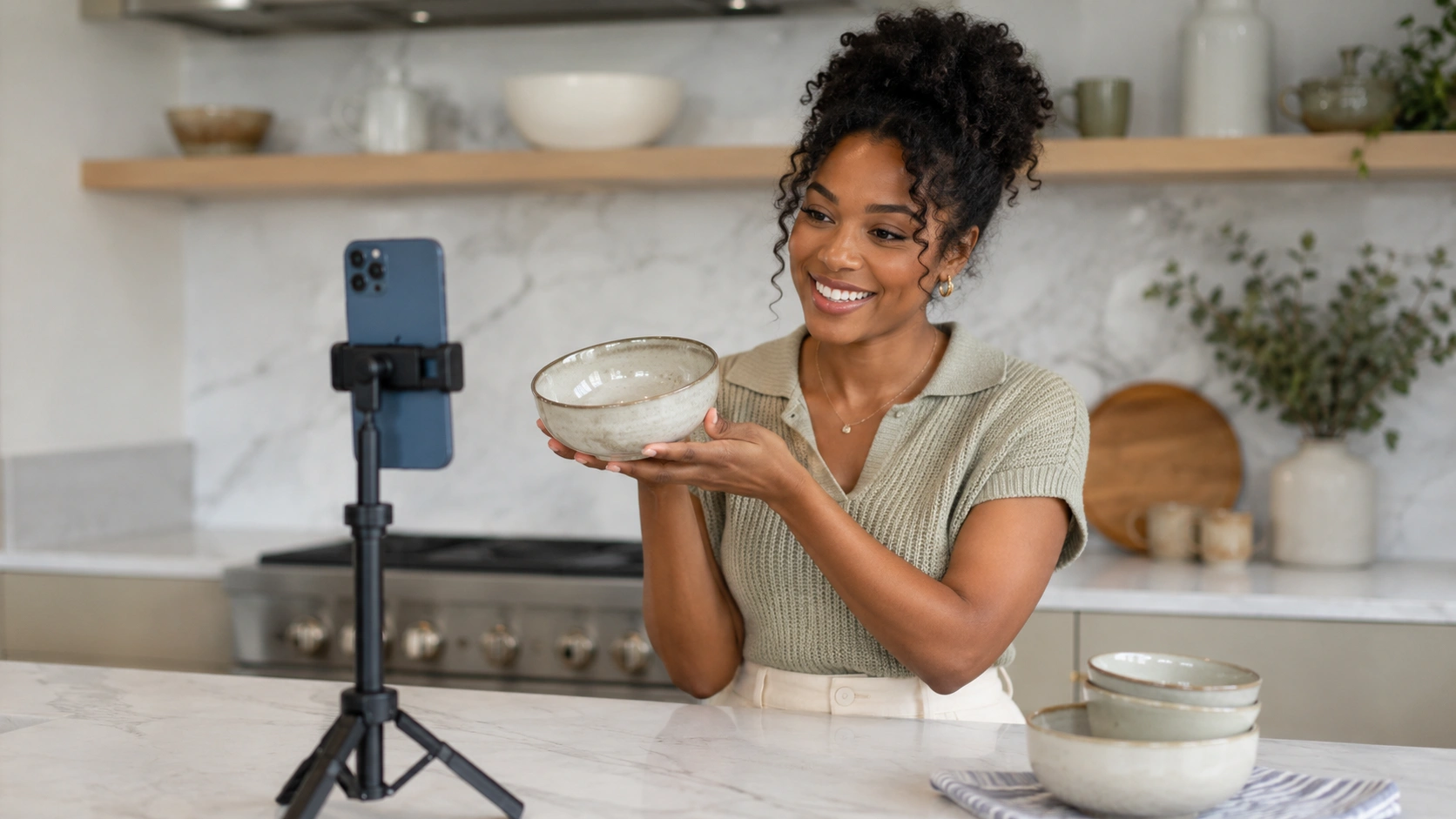
No, a modern smartphone with a high-quality camera and a stable internet connection is sufficient for most brands starting out. Authenticity often converts better than high-gloss production in the live format. As you scale and prove the ROI, you can invest in better lighting, external microphones, and multi-camera setups to improve the visual experience.
How do I handle negative comments in the live chat?
Effective moderation is key to maintaining a positive shopping environment. You should have a dedicated moderator who can quickly hide or delete offensive comments or spam. For genuine customer complaints or difficult questions, the host should address them honestly and professionally, which often builds more trust than ignoring them.
Can I host live shopping events on my own website?
Yes, and this is generally the recommended approach for brands focusing on long-term growth and data ownership. Hosting on-site allows you to keep the customer in your ecosystem, use your own checkout, and track detailed performance analytics. If you want a deeper walkthrough of the placement strategy, How to Use Shoppable Videos on Your eCommerce Store covers the same on-site logic for evergreen video experiences. You can still simulcast to social media to drive traffic, but the primary transaction should happen on your own domain.
What is the difference between live stream shopping and social commerce?
Live stream shopping is a specific format of social commerce that uses real-time video to drive sales. Social commerce is a broader term that encompasses any shopping experience happening on a social platform, including static shoppable posts, Pinterest boards, or Facebook Marketplace listings. Live stream shopping is often the highest-converting subset of a broader social commerce strategy.
.webp)


