

Table of Contents
- Introduction
- The Evolution of FB Live Shopping in 2026
- Why Social Operators Still Prioritize Live Video
- Setting Up Your FB Live Shopping Workflow
- Content Strategies That Drive Revenue
- Moving Beyond the Social Platform: On-Site Video Commerce
- Measuring Success: Metrics That Matter
- Common Mistakes in FB Live Shopping
- How to Scale Your Video Strategy
- The Revenue-First Approach to Social Commerce
- Conclusion
- FAQ
Introduction
Ecommerce operators face a persistent challenge: social platforms often keep shoppers within their own ecosystems, making it difficult to own customer data or control the conversion path. While the native FB live shopping feature changed in recent years, the platform remains a powerhouse for live selling through community engagement and high-reach broadcasts. Successful Shopify brands in 2026 use Facebook as a top-of-funnel engine to drive high-intent traffic to their own stores. At Videowise, we help brands bridge this gap by turning video content into a high-converting, on-site experience. This guide covers how to execute a modern live shopping strategy on Facebook, from technical setup to revenue-focused optimization. We will explore how to transition social viewers into loyal customers on your own domain where you control the Average Order Value (AOV) and conversion data.
The Evolution of FB Live Shopping in 2026
The landscape of social commerce has shifted significantly. In previous years, Facebook offered a native, integrated checkout directly within the live stream. While the platform has moved toward a more decentralized model—emphasizing Reels and standard Live broadcasts—the core behavior of live shopping hasn't disappeared. It has simply evolved into a hybrid model.
Today’s operators use Facebook Live to build community, answer questions, and demonstrate products in real-time. The transaction, however, is increasingly moving back to the brand’s own website. This shift allows retailers to maintain their margins and capture first-party data, which is essential for long-term retention.
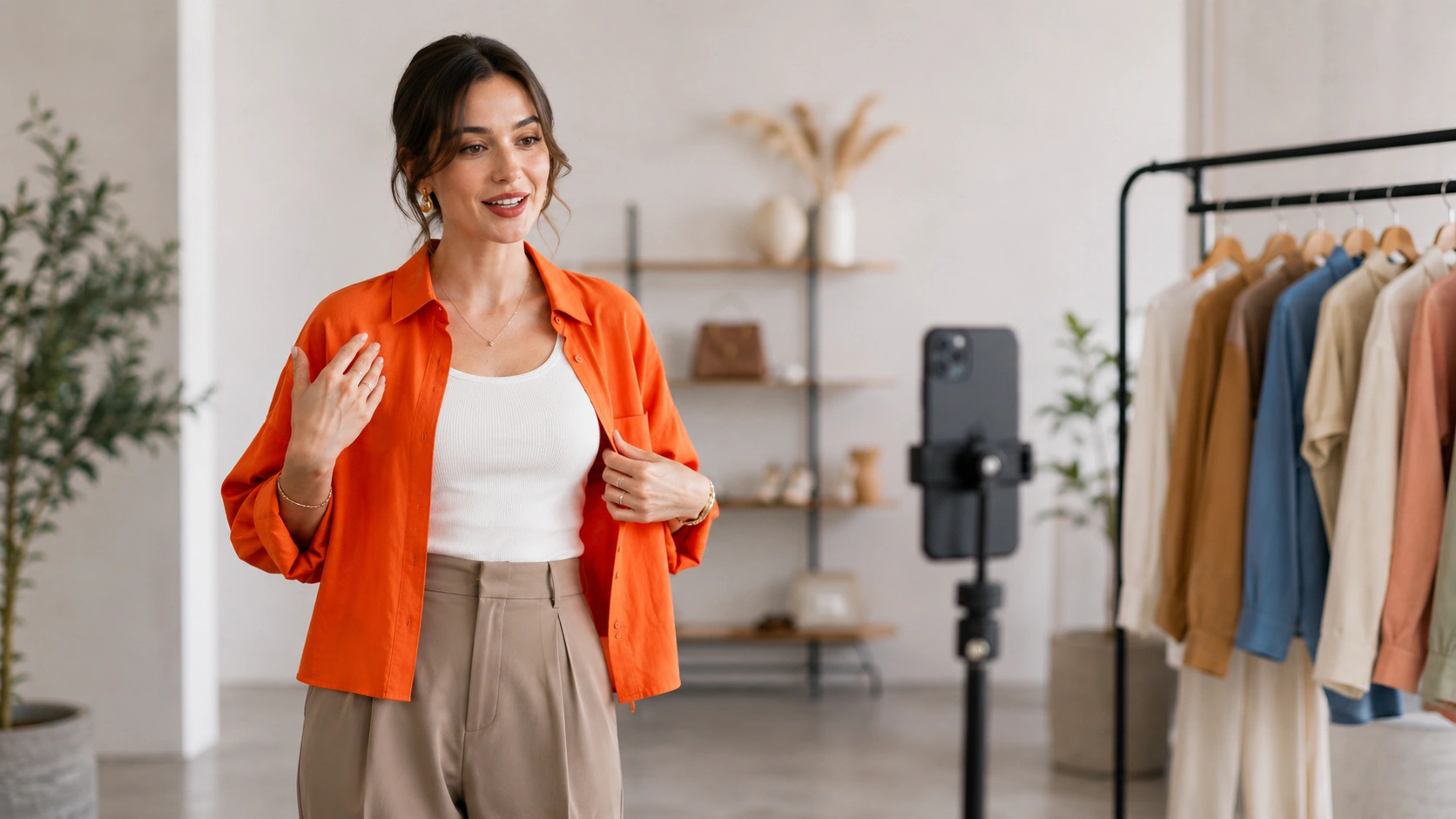
For a Shopify brand, "FB live shopping" now means using the live broadcast as a lead-generation tool. You are essentially running a real-time infomercial where the primary call-to-action (CTA) is a link to a shoppable landing page or a specific product detail page (PDP). This allows you to leverage Facebook's massive reach while benefiting from the conversion optimization tools on your own site.
Why Social Operators Still Prioritize Live Video
Despite changes in platform features, the revenue case for live video remains strong. Brands that successfully integrate live video into their social strategy often see a lift in Revenue Per Session (RPS) compared to static social ads.
Authentic Engagement at Scale
Live video offers a level of authenticity that pre-recorded, highly polished ads cannot match. When a founder or influencer goes live, they can address objections on the spot. If a shopper asks about the fit of a garment or the texture of a skincare product, the host can show them immediately. This real-time interaction reduces the friction that typically leads to cart abandonment.
Improved Organic Reach
Facebook’s algorithm continues to prioritize live content over static posts. When you go live, a portion of your followers receives a notification, and the broadcast often appears higher in the newsfeed. This provides "free" visibility that would otherwise require significant ad spend. For brands struggling with rising customer acquisition costs (CAC), this organic reach is a critical lever for growth.
Building Social Proof
A live stream serves as a hub of social proof. When new viewers join and see dozens of others asking questions and expressing excitement, it creates a "herd effect." This collective enthusiasm can push hesitant shoppers toward their first purchase, and how Skullcandy increased RPS with shoppable videos is a strong example of that kind of momentum.
Setting Up Your FB Live Shopping Workflow
To execute a successful live event, you need a repeatable workflow that minimizes technical friction. An operator's time is best spent on strategy, not troubleshooting a camera connection.
Step 1: Define Your Conversion Path
Before you hit the "Go Live" button, decide where you want the shoppers to end up.
- The Comment-to-Buy Path: Use social commerce tools for comment-to-buy that automatically send a direct message (DM) to anyone who comments a specific keyword (e.g., "BUY123").
- The Direct Link Path: Pin a link to a specific shoppable collection page in the comments of the broadcast.
- The On-Site Bridge: Direct users to a live shopping page on your Shopify store where they can watch the synchronized stream and check out in one click.
Step 2: Prepare Your Product Playlist
Organization is the difference between a professional broadcast and a chaotic one. Create a list of 5–10 products you intend to feature. For each product, have a "talking points" card that includes the price, key benefits, and the specific link or keyword for purchase.
Step 3: Technical Pre-Flight Check
You don't need a professional studio, but you do need stability.
- Audio: Use a dedicated lavalier microphone or a high-quality desk mic. Bad audio is the fastest way to lose viewers.
- Lighting: Ensure the light source is in front of the host, not behind them. Simple ring lights are usually sufficient for most PDP-style demonstrations.
- Connection: Always use a wired internet connection or a high-speed 5G signal. Avoid shared Wi-Fi which can cause buffering and dropped frames.
Key Takeaway: The goal of a Facebook Live event is not just engagement; it is the transition of a social follower into a site visitor. Every technical decision should support a clear path to the checkout page.
Content Strategies That Drive Revenue
Not all live streams are created equal. To move the needle on Conversion Rate (CVR), your content must be structured to sell, not just to entertain.
The Product Drop
Use live broadcasts to launch new arrivals. By making the product available only during the stream—or offering a limited-time "Live-Only" discount—you create a sense of urgency. This encourages immediate action and prevents the "I'll buy it later" mindset that kills conversions.
The "How-To" Demonstration
For complex products like electronics, beauty tools, or home goods, a demonstration is essential. Show the product in a real-world setting. If you sell a kitchen gadget, cook with it live. If you sell apparel, have models of different sizes try on the same item to show the fit.
The Q&A and Objection Handling
Many shoppers stay on the fence because they have one specific question. "Is this vegan?" "Does it ship to Canada?" "Will it fit a 15-inch laptop?" A live Q&A session allows you to clear these hurdles in bulk. One answer to one person can actually satisfy the doubts of hundreds of silent viewers.
Influencer Takeovers
Partnering with influencers for an FB live shopping event can expand your reach to their audience. However, ensure the influencer is trained on your specific conversion path. They should know exactly how to direct viewers to the store and how to use the "Comment-to-Buy" keywords.
Moving Beyond the Social Platform: On-Site Video Commerce
While Facebook is excellent for discovery, it is a "rented" audience. To truly scale your video strategy, you must bring that video experience to your own store. This is where the concept of Shoppable Video becomes a revenue engine.
Our platform, Videowise, allows you to import your recorded Facebook Live broadcasts and turn them into shoppable assets on your Shopify site. Instead of a live stream disappearing into the depths of a social feed, it becomes a permanent salesperson on your PDP or homepage.
Repurposing Live Content
A 30-minute Facebook Live session contains a wealth of content. Using AI video clipping at scale, you can clip the best moments—like a specific product demo or a great customer testimonial—and embed them as shoppable stories on your site. This ensures that the effort put into a live event continues to generate revenue weeks after the broadcast ends.
Maintaining Site Performance
A common concern for ecommerce directors is that adding video will slow down their site, hurting their Core Web Vitals (the metrics Google uses to measure page speed and user experience).
Myth: High-quality video commerce always slows down a Shopify store and hurts SEO. Fact: Modern video commerce platforms use advanced "viewport loading" and optimized delivery networks to ensure that shoppable video doesn't impact page speed or LCP (Largest Contentful Paint).
By using a performance-first infrastructure, we ensure your videos load only when they are visible to the user, keeping your store fast while driving higher CVR.
Measuring Success: Metrics That Matter
If you aren't measuring the revenue impact of your live events, you are just making content for the sake of content. Shift your focus from vanity metrics to hard revenue data.
Direct vs. Influenced Revenue
- Direct Revenue: Sales made via the specific links or keywords used during the live event.
- Influenced Revenue: Sales from customers who watched the live stream but purchased later on a different device or through a different channel.
Tracking this requires Content Performance analytics that can attribute a purchase back to a video view.
Revenue Per Session (RPS)
Compare the RPS of customers who interacted with a live video versus those who didn't. Most operators find that video-engaged shoppers have a significantly higher RPS because they spend more time on site and have a higher intent to buy.
Average Order Value (AOV)
Live shopping is an excellent vehicle for upselling. If you are demonstrating a product, you can easily show "frequently bought together" items. Monitor your AOV during live events to see if your cross-selling scripts are effective.
Common Mistakes in FB Live Shopping
Avoid these pitfalls to ensure your strategy remains profitable and sustainable.
- Ignoring the Replay: Most of your views will happen after the live event is over. Ensure your links and CTAs still work in the recorded version of the video.
- Too Much "Fluff": Get to the products quickly. While community building is important, people tune into a shopping event to see products. If you wait 20 minutes to show the first item, you will lose your high-intent audience.
- Poor Lighting and Sound: As mentioned, if people can't see the product details or hear your explanation, they won't buy. Invest in a basic setup before going live.
- Lack of Clear CTA: Never assume the audience knows how to buy. Repeat the instructions on how to purchase every 5–10 minutes throughout the broadcast.
How to Scale Your Video Strategy
Once you have mastered the one-off Facebook Live event, the next step is to build a "Video First" commerce ecosystem. This involves moving from manual broadcasts to an automated, omnichannel approach.
Bulk Publishing and Automation
As your catalog grows, you cannot manually manage videos for every SKU. Use a centralized UGC (User-Generated Content) hub to manage your video assets. This allows you to import content from TikTok, Instagram, and Facebook in one click and deploy it across your entire store.
AI-Powered Content Intelligence
Leverage AI to tag products in your videos automatically. This saves hours of manual work and ensures that the right products are always linked to the right video segments. We provide these tools to help brands scale without needing a massive creative team or heavy developer support.
Omnichannel Integration
Your FB live shopping strategy should not exist in a vacuum. The same video used on Facebook can be sent via email, included in SMS campaigns, or used as a high-converting video ad. By creating a single "source of truth" for your video assets, you maximize the ROI of every piece of content you produce. For a deeper walkthrough of the broader implementation model, see the video for Shopify stores guide.
The Revenue-First Approach to Social Commerce
The goal of any social commerce initiative is to move the needle on the bottom line. Whether you are using Facebook Live, TikTok Shop, or on-site shoppable video, the focus must remain on the customer's journey toward a purchase.
At Videowise, we believe that video is the most powerful tool in an operator's arsenal for increasing CVR and AOV. By turning static product pages into interactive, video-driven experiences, you provide the clarity and confidence shoppers need to click "buy." Facebook is a vital piece of that puzzle, acting as the top-of-funnel discovery engine that feeds your high-converting on-site ecosystem. If you want the full framework behind that strategy, the shoppable video strategy guide is the best next read.
Bottom line: Facebook Live is for reach and community, but your own website is for revenue and retention. A winning strategy uses the former to fuel the latter.
Conclusion
FB live shopping remains a potent strategy for Shopify brands when executed with a focus on conversion and site traffic. By using Facebook to capture attention and a dedicated video commerce platform to secure the sale, you create a seamless path from discovery to purchase. Focus on authentic content, clear calls to action, and robust measurement of revenue-based metrics. As you scale, look for ways to repurpose your live content into permanent on-site assets that drive value 24/7.
Ready to turn your social video content into a measurable revenue stream? Book a demo and see how we can help you scale video commerce without compromising your store's performance. Consider how shoppable video can transform your PDPs and start your journey toward higher conversion rates today.
If you're ready to get started, install Videowise from the Shopify App Store and begin turning live content into revenue-driving storefront experiences.
FAQ
Does Facebook still support native live shopping?
Facebook removed its native "Live Shopping" tab and integrated checkout for most regions in late 2022 to focus on Reels. However, brands can still go live on their pages and use third-party "comment-to-buy" tools or pin links in the chat to drive sales to their Shopify stores.
How do I direct Facebook Live viewers to my Shopify store?
The most effective way is to pin a comment with a direct link to the featured product or a dedicated "Live Shopping" collection page. You can also use automated DM tools that send the product link to anyone who comments a specific keyword during the broadcast.
Will adding live video replays to my site slow it down?
Standard video embeds can slow down a site, but using a dedicated video commerce platform like ours ensures that videos are optimized for performance. We use advanced loading techniques to maintain high Core Web Vitals scores, ensuring your site stays fast and SEO-friendly.
Can I reuse my Facebook Live videos for other marketing?
Yes, and you should. You can download your live broadcasts, use AI tools to clip high-impact moments, and then embed those clips as shoppable videos on your product pages, similar to how Andar turned a single live event into lasting revenue, or use them in your email and SMS marketing campaigns to maximize their value.
.webp)


