

Table of Contents
- Introduction
- The Evolution of Live Shopping on Meta
- The Revenue Case for On-Site Live Commerce
- Technical Barriers: Page Speed and Core Web Vitals
- Setting Up Your Live Shopping Infrastructure
- Promotion Strategy: Leveraging the Meta Ecosystem
- Creative Direction: Authenticity Over Production Value
- Measurement and Attribution: Moving Beyond the "View"
- Strategies for Different Product Categories
- Scaling Without Dev Dependency
- The Role of AI in Post-Event Optimization
- Future-Proofing Your Social Commerce Strategy
- Conclusion
- FAQ
Introduction
As customer acquisition costs on Meta platforms continue to climb, ecommerce operators are facing a difficult reality: the era of "cheap" social traffic is over. Brands can no longer rely on simple static ads to drive profitable growth. While Meta sunset its native live shopping features in late 2022 and early 2023, the underlying consumer demand for real-time, interactive commerce has only intensified. Modern shoppers expect the intimacy of social video combined with the efficiency of a high-performance storefront.
At Videowise, we focus on helping brands bridge this gap by moving the live shopping experience from the social platform directly to the online store with our live shopping platform. This article examines the current state of live shopping within the Meta ecosystem, why the shift to on-site video commerce is essential for conversion rate optimization, and how to execute a live strategy that drives measurable revenue. We will outline a practical framework for turning video into a high-yield revenue stream without sacrificing site performance.
The Evolution of Live Shopping on Meta
To understand the current "live shopping meta," operators must first acknowledge the shift in how Facebook and Instagram handle commerce. For several years, Meta attempted to build a native "shopping mall" within its apps. This included a dedicated Shop tab and live video broadcasts with native product tagging and in-app checkout.
By 2026, the strategy has shifted entirely toward Reels and AI-driven content discovery. Meta realized that keeping users inside a siloed shopping interface was less effective than pushing them toward high-intent video content that leads back to a brand’s own ecosystem.
The Sunset of Native Social Features
The native "Live Shopping" tab and the ability to tag products in a live stream for native checkout are no longer the primary focus for Meta. This move was driven by a need for efficiency and a realization that Western consumers prefer a more integrated, brand-direct experience rather than a "TV shopping" experience trapped inside a social app.
The Shift to the "On-Site" Model
The most successful Shopify brands have moved their live shopping events to their own domains. Instead of relying on a third-party platform’s limited checkout tools, they use the social platform as a "top-of-funnel" discovery engine that directs traffic to a hosted live event on their own site. This gives the operator full control over the customer data, the checkout flow, and the site performance.
Key Takeaway: The "meta" for live shopping has moved from being platform-dependent to platform-agnostic. Use Meta for discovery and your own site for the transaction.
The Revenue Case for On-Site Live Commerce
When an operator moves a live event from a social platform to their Shopify store, the primary objective changes from "engagement" to revenue. Engagement metrics—likes, comments, and views—are secondary to three core KPIs: Conversion Rate (CVR), Average Order Value (AOV), and Revenue Per Session (RPS).
Increasing Revenue Per Session (RPS)
RPS is the most critical metric for any video commerce strategy. It measures the total revenue generated divided by the number of sessions involving a video view. On-site live shopping allows for "inline checkout" or "one-click add-to-cart" directly from the video player, which is exactly what our shoppable video platform is built to support. This removes the friction that typically occurs when a user has to leave a social app, open a browser, find the product, and then begin the checkout process.
Driving Higher AOV Through Bundling
During a live event, hosts can demonstrate how products work together. By offering "live-only" bundles or exclusive sets, operators can drive significant lifts in AOV. Unlike a static PDP (Product Detail Page), a live video allows for real-time education on why a customer needs the entire kit rather than a single item.
Impact on Conversion Rate (CVR)
Real-time interaction solves the "hesitation gap." If a customer is unsure about the fit of a garment or the texture of a skincare product, they can ask in the chat and see a live demonstration. This immediate feedback loop is one of the most effective tools for increasing CVR among high-intent shoppers.
Technical Barriers: Page Speed and Core Web Vitals
A common concern among ecommerce directors is that adding video—especially live video—to a storefront will slow down the site and hurt search rankings. This is a valid fear. Many legacy video tools use heavy scripts that block the main thread, leading to poor Largest Contentful Paint (LCP) and Cumulative Layout Shift (CLS) scores. For a real-world example, see how Skullcandy achieved a 7.9% RPS increase with shoppable videos.
Our approach prioritizes a performance-first infrastructure. This means the video assets are optimized to load only when they enter the viewport, ensuring that the initial page load remains lightning-fast.
Myth: Video commerce always slows down your site. Fact: High-performance video players use viewport loading and compressed streaming protocols to maintain Core Web Vitals while delivering high-definition content.
Setting Up Your Live Shopping Infrastructure
Executing a successful live event on Shopify requires a mix of technical readiness and creative planning. Here is the step-by-step process we recommend for operators looking to launch their first event.
Step 1: Define the Event Goal
Decide if this is a product launch, a seasonal sale, or a "behind-the-scenes" educational session. The goal dictates the products you feature and the type of host you choose.
Step 2: Select Your Tech Stack
You need a platform that integrates directly with your Shopify catalog. This allows you to sync product data (prices, variants, inventory) in real time. Ensure the platform supports on-site hosting so you aren't just sending traffic to a social media page. If you want a broader walkthrough before you launch, our Get Started With Shoppable Videos Using Videowise guide is a helpful starting point.
Step 3: Source Your Host
The host is the most important element of the live event. This could be a founder, an internal product expert, or a trusted influencer. They must be comfortable with the "unscripted" nature of live video and capable of answering technical product questions on the fly.
Step 4: Build the "Event Page"
Create a dedicated landing page on your store for the live event. This page should feature the live player, a chat interface, and a "shoppable carousel" that updates as the host talks about different products.
Step 5: Test Your Latency
Nothing kills a live event faster than a 30-second delay between the host speaking and the viewers hearing it. Use high-speed streaming protocols (like HLS or WebRTC) to ensure near-real-time interaction.
Promotion Strategy: Leveraging the Meta Ecosystem
Even though the event is hosted on your site, Meta is still your best friend for promotion. The "Live Shopping Meta" strategy involves using Facebook and Instagram as the funnel to your own social commerce platform.
Pre-Event Teasers via Reels
Start posting short-form Reels 3–5 days before the event. These should be high-energy clips that highlight a problem and promise a solution during the live event. Use a "Remind Me" CTA to get users to opt-in for a notification.
Using Instagram Stories for Real-Time Reminders
On the day of the event, use Stories with the "Link" sticker to drive traffic directly to your hosted live page. This bypasses the need for users to find the link in your bio.
Meta Ads for "Event Retargeting"
Run a small ad spend targeting your existing "Add to Cart" or "Viewed Content" audiences. Frame the live event as an exclusive opportunity to get their questions answered or to access a limited-time offer.
Bottom line: Meta is for reach; your site is for revenue. Don't try to force the transaction to happen on a platform that no longer prioritizes it.
Creative Direction: Authenticity Over Production Value
The biggest mistake brands make is over-producing their live events. Shoppers today are wary of highly polished, TV-style commercials. They want the "backstage pass" vibe.
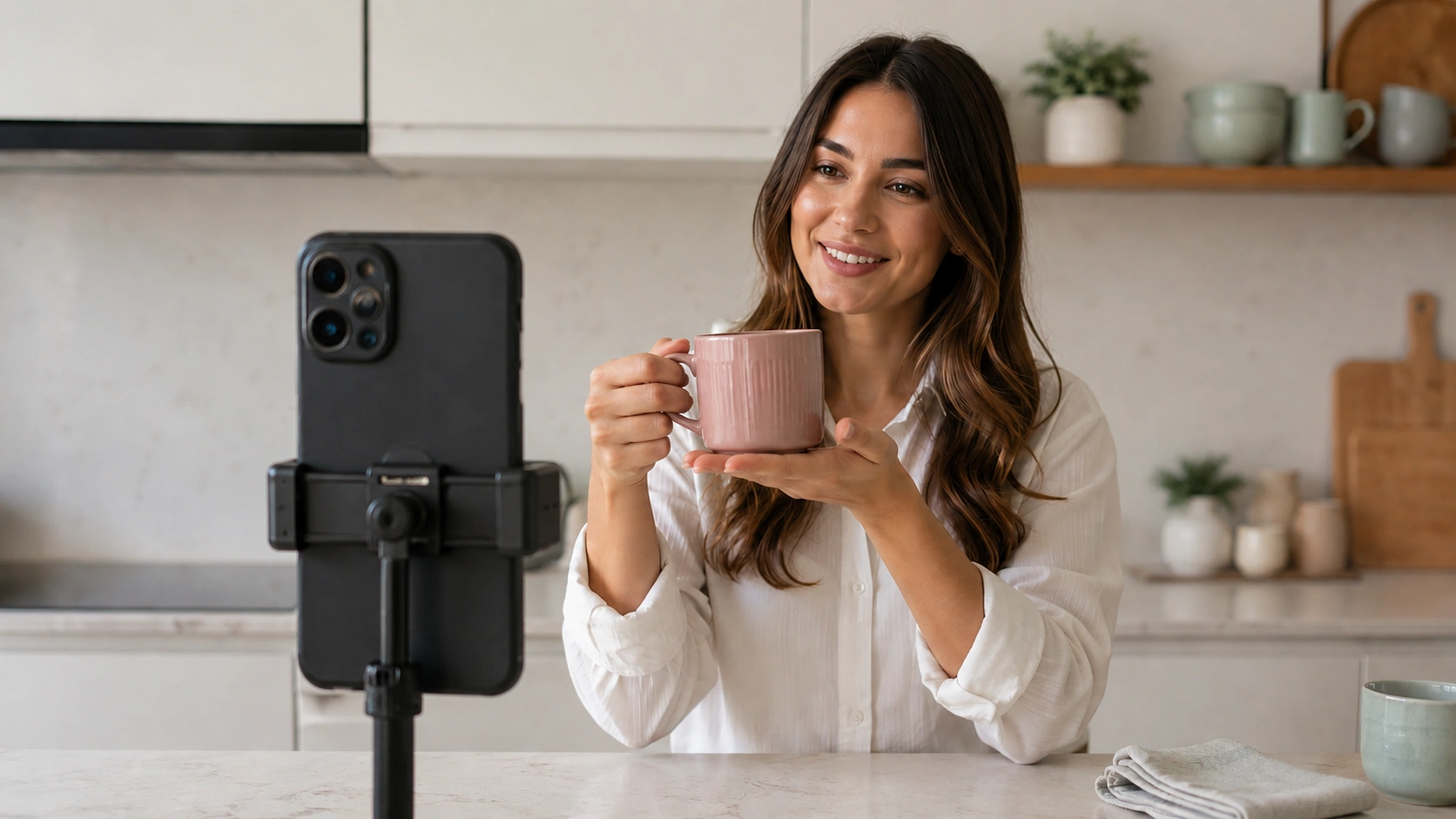
The "Raw" Aesthetic Works A single phone on a tripod with a ring light often performs better than a multi-camera studio setup. The goal is to look like a person, not a corporation. This creates a sense of trust and authenticity that is hard to replicate with professional film crews.
The Power of Real-Time Q&A The chat is your greatest sales tool. Operators should have a dedicated moderator (someone other than the host) to filter questions and feed them to the host. When a host says, "That's a great question, Sarah! Let me show you how the fabric stretches," it creates a personal connection that drives an immediate purchase.
Managing Usage Rights and UGC If you are working with an influencer for your live event, ensure you have the rights to the recorded content afterward. A 60-minute live event is a goldmine for short-form video assets. You can use our AI Clips tool to automatically identify the most engaging moments and turn them into shoppable Reels or PDP videos.
Measurement and Attribution: Moving Beyond the "View"
If an operator cannot prove the ROI of a live shopping event, the strategy will eventually be defunded. We recommend a full-funnel attribution model that tracks both direct and influenced revenue.
Direct Revenue
This is revenue generated from customers who added a product to their cart during the live event and completed the purchase in the same session. This is the "cleanest" metric for success.
Influenced Revenue
Many customers will watch a live event, leave the site to think about it, and return 48 hours later to buy. A sophisticated Content Performance analytics platform will track these "post-view" conversions by matching customer IDs or using browser cookies. This often accounts for 30–50% of the total value of a live event.
Content Performance Analytics
Beyond revenue, you should measure:
- Average Watch Time: Are people dropping off after 2 minutes, or are they staying for 20?
- Add-to-Cart Rate: Of the people who watched, how many engaged with a product tag?
- Chat Engagement: How many unique users asked a question?
Strategies for Different Product Categories
The way you execute a live event depends heavily on what you are selling. A beauty brand has different needs than a home goods retailer.
Beauty and Skincare
Focus on "The Reveal." Use the live stream to show the immediate effects of a product—how a serum makes the skin glow or how a foundation covers redness. Technical education is key here; people want to know about ingredients and skin types.
Apparel and Fashion
Focus on "The Fit." Have the host (or multiple hosts of different body types) try on the clothes. Show how the fabric moves and how to style it with other items in the collection. This significantly reduces return rates because customers have a better understanding of what they are buying.
Home Goods and Electronics
Focus on "The Demo." If you sell a kitchen appliance or a piece of furniture, show how easy it is to assemble or use. Remove the "fear of the unknown" that often prevents a customer from making a high-ticket purchase.
Scaling Without Dev Dependency
For an ecommerce director at a large Shopify brand, the biggest bottleneck is often the development team. If every live event requires a new page build or a custom code injection, the strategy won't scale. See how Andar generated $134K in 3 hours with live shopping for an example of how a live program can run without external tooling overhead.
We built our platform to be "no-code" for the operator. This means you can deploy a live player, update product carousels, and manage the chat interface through a drag-and-drop dashboard. Bulk publishing tools allow you to manage events across multiple stores or regions without needing a single line of CSS.
The Role of AI in Post-Event Optimization
The value of a live event shouldn't end when the "End Stream" button is pressed. The recorded video is a massive asset that should be leveraged for weeks afterward.
AI-Powered Tagging and Search
Manual tagging is tedious. AI-driven content intelligence can automatically tag products in your video library, making it easy for customers to find specific moments in a replay. If a customer wants to see the part of the stream where the host talked about the "Blue Denim Jacket," the AI can jump them directly to that timestamp.
Automated Repurposing
Using AI Studio tools, operators can take a 45-minute live stream and extract the 10 most impactful 30-second clips. These clips can then be embedded on specific Product Detail Pages (PDPs) as shoppable video reviews. This creates a "flywheel" effect where the live event feeds your permanent on-site video strategy.
Future-Proofing Your Social Commerce Strategy
Meta will continue to evolve. Whether they lean further into the Metaverse or double down on AI-generated content, the core principle remains: brands that own their customer experience win.
By building your live shopping infrastructure on your own site, you insulate your brand from platform changes. If Meta changes their algorithm or deprecates another feature, your hosted events and your customer data remain safe. You are simply using the social platform as a powerful, high-volume billboard that points to your own store. For a broader look at the channel shift, read Live Shopping Inside Shop App With Videowise.
Conclusion
The current "live shopping meta" is not about native social features; it is about the strategic integration of high-performance video into the Shopify storefront. By focusing on revenue-first delivery—prioritizing CVR, AOV, and RPS—brands can turn the engagement of live video into a sustainable growth engine. We believe that every video should be a measurable asset, not just a creative project.
Our platform is designed to handle the heavy lifting of video commerce, from performance-first infrastructure that protects your Core Web Vitals to AI-powered tools that help you scale. The brands that will dominate the next era of ecommerce are those that stop treating video as an "add-on" and start treating it as the primary interface for their customers.
Ready to see how shoppable video and live events can transform your Shopify store? Book a personalized demo to start building your video commerce strategy today.
Or install Videowise from the Shopify App Store to get started today.
FAQ
Does live shopping still work on Facebook and Instagram?
While Meta removed the native "Live Shopping" tab and product tagging in broadcasts, you can still go live on these platforms. The most effective strategy now is to use the live stream to drive viewers to a hosted live shopping event on your own Shopify site, where you have full control over the checkout experience and customer data.
Will hosting a live event slow down my Shopify store's page speed?
Not if you use a platform built with performance-first infrastructure. High-quality video commerce tools use viewport loading and advanced compression to ensure that the video only loads when needed, maintaining your Core Web Vitals and Google search rankings while delivering a high-definition experience.
How do I measure the ROI of a live shopping event?
You should track both direct revenue (purchases made during the stream) and influenced revenue (purchases made later by viewers). Key metrics to watch include Revenue Per Session (RPS), Conversion Rate (CVR) lift for participating customers, and the impact on Average Order Value (AOV) through live-exclusive bundles.
Can I repurpose my live shopping videos after the event is over?
Yes, and you should. A recorded live event can be sliced into short-form "shoppable clips" using AI tools and embedded on relevant Product Detail Pages (PDPs). This extends the life of your content and continues to drive conversions from shoppers who missed the live broadcast.
.webp)


