

Table of Contents
- Introduction
- Defining Live Stream Shopping
- The Technical Framework of Live Commerce
- Why Operators are Prioritizing Live Shopping
- Where to Host: Social Platforms vs. On-Site
- Step-by-Step: Executing a Live Shopping Event
- Measuring Success: Beyond the View Count
- Common Myths in Live Shopping
- The Future of Live Commerce in 2026
- Moving Toward a Video-First Storefront
- Bottom Line: How to Start Small
- FAQ
Introduction
Ecommerce operators today face a difficult reality: customer acquisition costs are rising, and static product detail pages (PDPs) are often failing to convert high-intent traffic. When a shopper lands on your site, they are looking for more than just a list of features; they want proof of value and a reason to buy now. This is where Videowise’s live shopping platform enters the stack. At Videowise, we see live shopping as a primary revenue driver that bridges the gap between social discovery and on-site conversion. This guide will define what live stream shopping is, how it functions technically for a Shopify brand, and how to execute a strategy that focuses on measurable outcomes like Conversion Rate (CVR) and Revenue Per Session (RPS).
Defining Live Stream Shopping
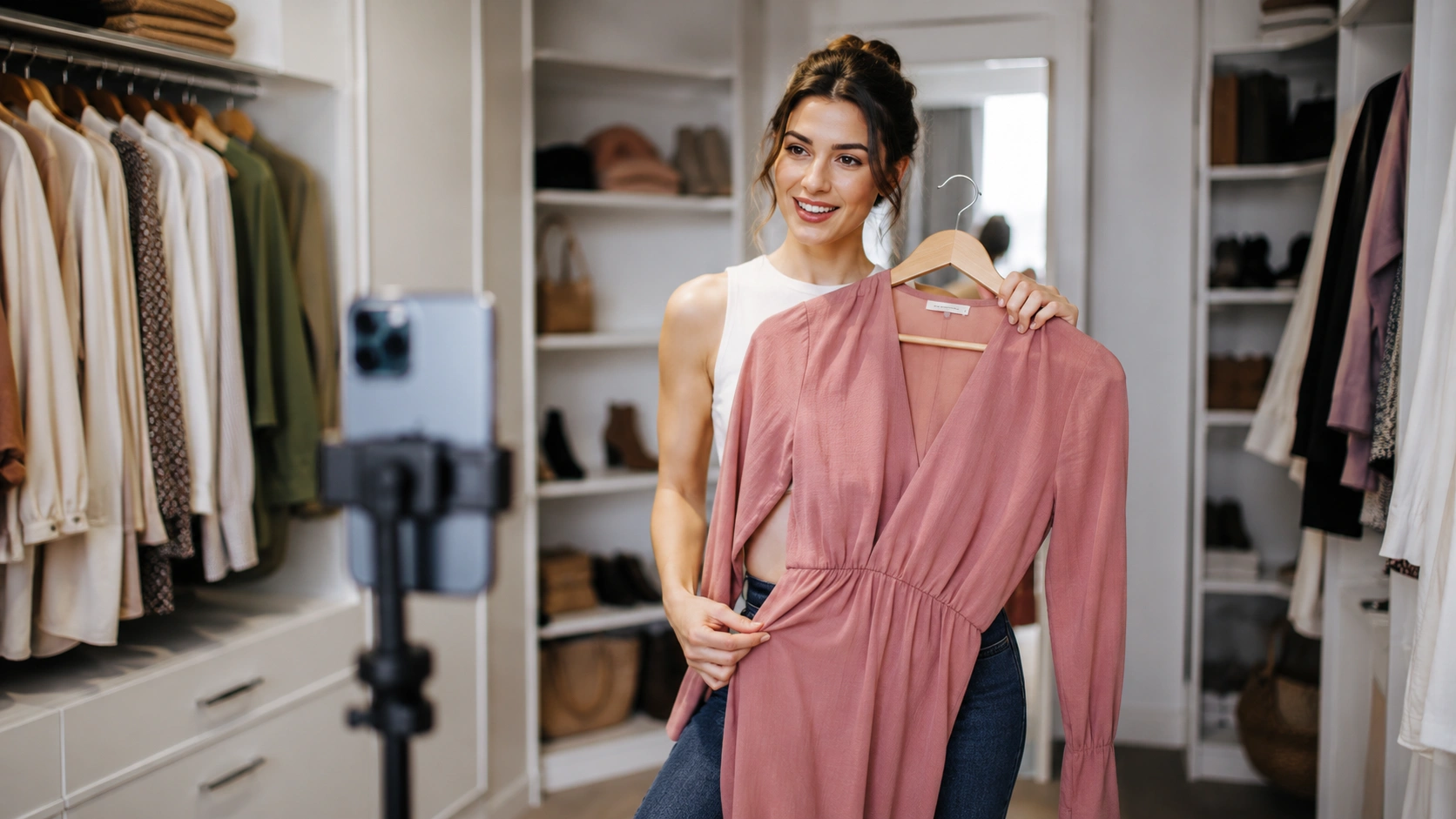
Live stream shopping is an interactive commerce format where a host—often a brand founder, product expert, or creator—demonstrates products in a real-time video broadcast. Unlike traditional video content that is produced, edited, and uploaded, live shopping happens in the moment. It allows for a two-way dialogue between the brand and the audience through integrated chat, polls, and instant product tagging.
At its core, this format is the digital evolution of the home shopping network model, but it is built for the modern mobile shopper. It combines the entertainment of social media with the utility of an ecommerce store. For a growth manager, the "live" element is a tool for creating immediate urgency and building deep trust that static images cannot replicate.
How It Differs from Traditional Ecommerce
Traditional ecommerce is a solitary, passive experience. A customer searches, clicks, reads, and decides. Live stream shopping is a communal, active experience.
- Interactivity: Shoppers ask questions about fit, material, or usage in real-time and receive immediate answers.
- Urgency: Many live events feature "drop" mechanics or limited-time offers that exist only during the broadcast.
- Frictionless Purchase: Modern platforms allow users to add items to their cart and check out without ever leaving the video player.
The Technical Framework of Live Commerce
Understanding the technical side is important for directors of ecommerce who worry about site stability and page speed. Live shopping requires a robust infrastructure to ensure a high-quality experience for thousands of concurrent viewers.
Low-Latency Streaming
To have a real-time conversation, the delay between the host speaking and the viewer hearing (latency) must be minimal. Most professional setups use RTMP (Real-Time Messaging Protocol) or WebRTC to ensure that when a host says, "Ask me anything," the viewer can respond within a second.
Integrated Product Catalogs
A live stream is only shoppable video if it is connected to your product feed. In a Shopify environment, this means the video player must pull data directly from your store’s backend. This allows for real-time inventory updates. If an item sells out during the stream, the "Buy" button should automatically reflect that to prevent a poor customer experience.
Performance and Page Speed
A common concern for operators is that adding heavy video components will hurt their Core Web Vitals. These are the standardized metrics Google uses to measure page speed and user experience, such as Largest Contentful Paint (LCP), which measures how long it takes for the main content of a page to load.
Our performance-first infrastructure at Videowise ensures that adding live or shoppable video does not slow down your store. We use advanced viewport loading—where the video only loads when the user is about to see it—to protect your site's speed while delivering high-definition content.
Quick Answer: Live stream shopping is a real-time, interactive video broadcast where brands demonstrate products and viewers can purchase them directly within the player. It combines social interaction with instant ecommerce functionality to drive higher conversion rates and immediate revenue.
Why Operators are Prioritizing Live Shopping
Growth managers and ecommerce directors are not looking for more "engagement" metrics. They are looking for revenue. Live shopping delivers on several key business outcomes that directly impact the bottom line. For a deeper breakdown, see Videowise’s live video commerce guide.
Higher Conversion Rate (CVR)
Conversion Rate (CVR) is the percentage of visitors who complete a purchase. In our experience, brands using live shopping often see a significantly higher CVR compared to standard PDP traffic. The live format removes the "guesswork" for the customer. When they see a person of their size wearing a garment or a chef using a kitchen tool, the path to "yes" becomes much shorter.
Increased Average Order Value (AOV)
Average Order Value (AOV) represents the average dollar amount spent each time a customer places an order. Live streams are naturally suited for bundling and "shop the look" segments. A host isn't just selling a single shirt; they are selling the entire outfit. By demonstrating how products work together, brands can encourage shoppers to add multiple items to their cart in a single session.
Reduced Return Rates
Returns are a massive margin killer for Shopify brands. High return rates often stem from a "perception gap"—the product the customer received didn't match the product they saw online. Live shopping provides a 360-degree view of the product in a real-world environment. This transparency leads to more confident purchases and, historically, lower return rates.
Improved Revenue Per Session (RPS)
Revenue Per Session (RPS) is a holistic metric that measures the total revenue generated divided by the number of site visits. Because live shopping increases both CVR and AOV, the RPS for video-engaged sessions tends to be much higher than for non-video sessions.
Where to Host: Social Platforms vs. On-Site
A major strategic decision for any brand is where to host the live event. There are two primary schools of thought: social commerce and on-site commerce, as covered in Videowise’s live video commerce guide.
Social Commerce (TikTok, Instagram, YouTube)
Social platforms offer built-in audiences. Hosting a live event on TikTok Shop or Instagram Live allows you to tap into your existing followers and the platform's discovery algorithm.
- Pros: High reach, native to mobile users, great for top-of-funnel awareness.
- Cons: You don't own the data, transaction fees can be higher, and you are competing with every other distraction on the social feed.
On-Site Live Shopping
This is where you host the stream directly on your Shopify store. This is often the preferred route for established brands that want to own the customer relationship and data, as shown in the Andar case study.
- Pros: Zero distractions, full control over the branding, direct integration with your loyalty programs, and no "middleman" fees.
- Cons: You must drive your own traffic to the event via email, SMS, or paid ads.
Key Takeaway: The most effective strategy is often omnichannel. Use social platforms to build excitement and "tease" the event, then drive high-intent shoppers to your own site for the full live shopping experience where you have full control over the checkout flow and customer data.
Step-by-Step: Executing a Live Shopping Event
If you are a marketing lead or merchandiser, the prospect of "going live" can feel daunting. However, it can be broken down into a repeatable workflow.
Step 1: Define the Objective and Theme
Do not just "go live" to talk about your products. Create a theme. Is it a new seasonal drop? A "how-to" masterclass? A clearance "flash sale"? A specific theme gives your audience a reason to tune in and stay.
Step 2: Select Your Host
The host is the face of your brand for the hour. While some brands use professional influencers, many find success using internal staff—designers, product managers, or even the founder. The key is authenticity and deep product knowledge.
Step 3: Curate the Product Carousel
Select 5 to 10 products that will be featured. Ensure these are tagged correctly in your video commerce platform so they appear as clickable "cards" during the stream. This allows the user to click "Add to Cart" the moment the host mentions the item.
Step 4: Promote Across Channels
A live stream with no viewers is just a recording. Start your promotion 3 to 5 days out. Use SMS for your most loyal customers, email for your broader base, and "countdown" stickers on Instagram Stories to build anticipation.
Step 5: Execute the Stream with Interaction
During the stream, have a dedicated moderator in the chat. While the host is talking, the moderator can drop links, answer basic shipping questions, and pin positive customer comments. This keeps the energy high and the host focused on the demonstration.
Step 6: Post-Event Repurposing
The value of a live stream shouldn't end when the "End Stream" button is clicked. Use AI Clips to automatically cut the best moments of the live stream into short-form shoppable videos. These clips can then be embedded on PDPs or used in email marketing.
Measuring Success: Beyond the View Count
Operators must resist the urge to focus on vanity metrics like "total views" or "likes." While these indicate reach, they don't indicate business growth. Instead, focus on Content Performance Analytics.
- Direct Revenue: Revenue generated from customers who purchased while the stream was live.
- Influenced Revenue: Revenue from customers who watched the stream and purchased within a specific window (e.g., 24-48 hours) later.
- Add-to-Cart Rate: How many viewers felt enough intent to add an item, even if they didn't finish the checkout.
- Average Watch Time: This helps you understand where you might be losing people in your script or presentation.
Common Myths in Live Shopping
Myth: Live shopping is only for fashion and beauty brands. Fact: While those categories led the way, we see high performance in consumer electronics, home goods, and even highly technical outdoor gear. Any product that requires a demonstration or has a "story" behind it is a candidate for live commerce.
Myth: You need a Hollywood-style production studio to start. Fact: Most successful live streams are shot on an iPhone with a simple ring light. Shoppers on Shopify are looking for authenticity, not a polished TV commercial. A "behind-the-scenes" feel often builds more trust than a high-budget production.
The Future of Live Commerce in 2026
As we look toward 2026, live shopping will become more personalized and data-driven. We expect to see a rise in "private" live shopping—one-to-one or one-to-few sessions where high-value customers receive personalized consultations.
Furthermore, AI will play a larger role in the backend. Imagine a system that automatically tags products in the video based on what the host is holding, or an AI moderator that can answer common customer service questions in the chat in 50 different languages. These efficiencies will allow brands to scale their live shopping efforts without a massive increase in headcount.
Moving Toward a Video-First Storefront
Live stream shopping is not a standalone tactic; it is part of a broader shift toward a video-first ecommerce experience. Get started with shoppable videos using Videowise to extend that approach across your store.
At Videowise, we believe that every video on your site—whether it’s a 15-second UGC clip or a 60-minute live event—should be a measurable revenue channel. Our platform is built to help Shopify retailers manage this at scale, ensuring that your content drives CVR and AOV without ever compromising on the technical performance of your store.
Bottom Line: How to Start Small
You don't need a massive campaign to test the waters. Start with a "Founder's Q&A" or a "New Arrival Preview." Use the tools you already have to broadcast, and focus on the interaction. Once you see the lift in conversion rates, you can install Videowise from the Shopify App Store and make live shopping a permanent, high-growth pillar of your ecommerce strategy.
"Live shopping turns your store from a vending machine into a conversation."
Next Steps for Operators
- Audit your current PDPs to see which products have the highest "questions-to-sales" ratio—these are your best candidates for a live stream.
- Choose one social channel where your audience is most active to run a pilot stream.
- Evaluate a dedicated video commerce platform and book a demo to bring that live experience on-site to maximize your first-party data and revenue.
FAQ
Does live stream shopping slow down my Shopify store?
If implemented correctly with a performance-first platform, it will not negatively impact your site speed. By using advanced loading techniques like compressed video delivery and viewport triggers, the video components only activate when needed, maintaining your Core Web Vitals and SEO rankings.
How many viewers do I need for a successful live stream?
Success isn't about the volume of viewers, but the intent of the audience. A stream with 50 highly engaged, repeat customers can often generate more revenue than a stream with 5,000 casual browsers. Focus on driving your most loyal segments via email and SMS for the best results.
Can I use my existing social media influencers for on-site live shopping?
Yes, and it is highly recommended. Influencers bring their own audience and a sense of trust. By hosting them on your own site rather than just on their social profile, you can ensure the checkout process is direct and you retain the customer's email and purchase history.
What happens to the video after the live stream is over?
The "replay" value is often higher than the live value. You should archive the stream on a dedicated "Live" page or cut the footage into shoppable clips for your product pages. This allows the content to continue driving revenue long after the event has ended.
.webp)


