

Table of Contents
- Introduction
- The Strategic Shift to Real-Time Commerce
- Technical Requirements for IG Live Shopping
- Planning the Content Matrix
- The Execution Phase: Running the Live Event
- Optimizing for Revenue Outcomes
- Measuring Performance and Attribution
- Repurposing Live Content for the On-Site Experience
- Avoiding Common Pitfalls
- The Future of Live Commerce in 2026
- Actionable Next Steps for Operators
- FAQ
Introduction
Customer acquisition costs continue to climb as social feeds become more saturated and attention spans shorter. For Shopify operators, the challenge is no longer just getting eyes on a product; it is converting that fleeting attention into a completed transaction. IG live shopping has emerged as a high-intent channel that bridges the gap between social discovery and the checkout page. By allowing brands to broadcast in real-time with integrated product tagging, this format removes the friction that typically kills social conversions. At Videowise, we focus on helping brands turn these high-energy video moments into measurable revenue through an omnichannel approach. This guide covers the strategic framework for executing live events that move the needle on conversion rate (CVR) and revenue per session (RPS).
The Strategic Shift to Real-Time Commerce
Social commerce has evolved beyond static posts and pre-recorded reels. In 2026, shoppers expect immediacy and authenticity. The "perfect" polished aesthetic is often less effective than a raw, live demonstration that proves a product works as described.
IG live shopping allows a brand to showcase products in an unfiltered environment. This builds a level of trust that static imagery cannot replicate. When a customer sees a live host answer a specific question about fabric texture or sizing in real-time, the psychological barriers to purchase drop.
Moving Beyond Vanity Metrics
Many brands mistakenly measure live success by viewer count or "likes." These are vanity metrics. A successful operator focuses on:
- Conversion Rate (CVR): The percentage of viewers who click a tagged product and complete a purchase.
- Average Order Value (AOV): How much more a customer spends when products are bundled or demonstrated together.
- Revenue Per Session (RPS): The total revenue generated divided by the number of unique viewers.
Technical Requirements for IG Live Shopping
Before launching a live event, your backend infrastructure must be ready. Instagram requires a professional account (Business or Creator) and an active Instagram Shop.
Catalog Integration
Your product catalog must be synced via Commerce Manager. For Shopify brands, this is usually handled through the Instagram and Facebook integration. Ensure that your "Shop" tab is populated and that all products you intend to feature are approved for sale.
In-App Checkout vs. External Links
In 2026, the most effective IG live shopping experiences utilize native in-app checkout. This allows the customer to buy without ever leaving the broadcast. If you redirect them to an external browser, you risk losing the customer to page load delays or login requirements. Every additional second of friction lowers your CVR.
Quick Answer: IG live shopping is a feature that allows brands to sell products through a live video broadcast. It integrates your product catalog directly into the stream, enabling viewers to tap on product tags and purchase in real-time without leaving the app.
Planning the Content Matrix
A successful live event requires a structured plan. Successful operators use a "Content Matrix" to decide which format fits their current inventory goals.
| Event Type | Primary Objective | Key Metric |
|---|---|---|
| Product Launch | New Discovery | Initial Sales Volume |
| Flash Sale | Inventory Clearance | CVR & RPS |
| How-To / Tutorial | Reducing Returns | Product Confidence |
| Influencer Takeover | Reach & Trust | New Customer Acquisition |
Product Launches
Launching a new collection via a live stream creates a "drop" mentality. You can use the "Product Launch" tool within Instagram to set a timer. This builds anticipation and forces a concentrated spike in traffic. When the timer hits zero, the products become shoppable instantly.
Tutorials and Demonstrations
For complex products—like skincare systems, tech gadgets, or specialized apparel—a shoppable video demo is a conversion tool. Seeing the product "in action" answers the questions that a product description page (PDP) might miss. This reduces the "uncertainty gap" that often leads to cart abandonment.
Influencer Collaborations
Partnering with creators allows you to tap into an established community of trust. When an influencer hosts an IG live shopping event, they bring their own audience and their own credibility. The engagement rate is typically higher because the audience is already primed to take their recommendations.
The Execution Phase: Running the Live Event
Execution is where most brands stumble. A live stream is a performance, but it is also a retail operation. You need a clear division of labor. For a live commerce proof point, see Andar’s live shopping case study.
The Role of the Host
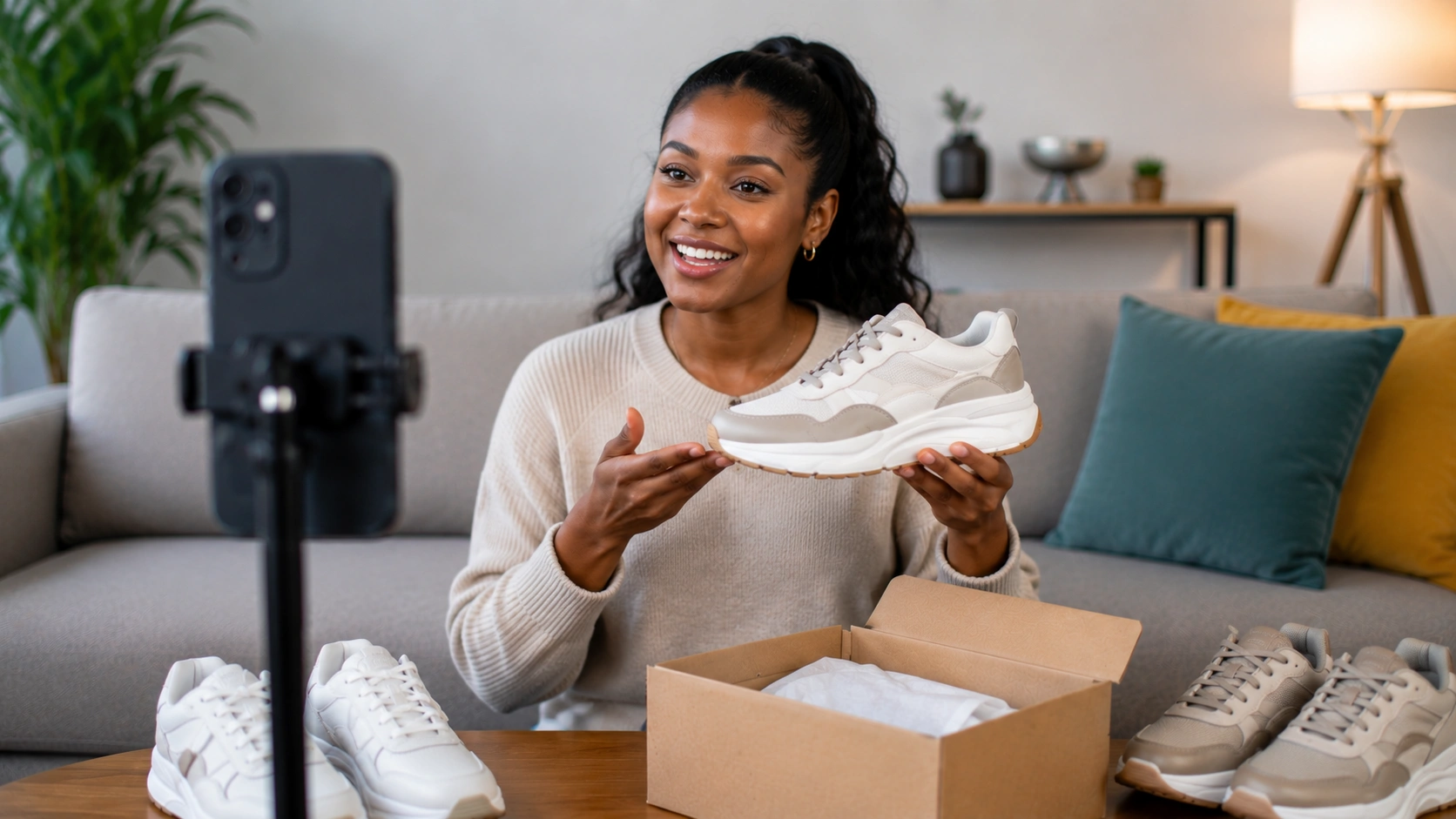
The host should be knowledgeable and high-energy but not "salesy." They need to be able to talk and demonstrate simultaneously. Most importantly, they must acknowledge the audience. Using a viewer's name when answering their question is a powerful engagement tactic that keeps people in the stream longer.
The Role of the Moderator
Never run an IG live shopping event alone. You need at least one person behind the scenes. The moderator’s job is to:
- Pin relevant comments to the top of the feed.
- Answer basic questions in the chat (shipping times, return policies).
- Flag important questions for the host to answer verbally.
- Manage the product tags, ensuring the right product is pinned at the right moment.
Product Pinning Strategy
As the host discusses a specific item, the moderator should "pin" that product. This makes a small overlay appear at the bottom of the screen. It is the digital equivalent of handing a product to a customer in a physical store. It makes the "Buy" button the most prominent feature on the screen.
Key Takeaway: Live shopping success is 30% presentation and 70% preparation. The interaction between the host and the moderator ensures that the "intent to buy" is captured the moment it happens.
Optimizing for Revenue Outcomes
To maximize RPS, you must treat the live stream as a sales funnel.
Step 1: The Hook. / Start the video with a clear value proposition. Tell viewers exactly what they will see and mention any exclusive "live-only" offers.
Step 2: The Education. / Spend the middle of the broadcast demonstrating the product. Focus on "jobs to be done"—how the product solves a problem for the user.
Step 3: The Scarcity. / Introduce limited-time offers or mention low stock levels. This encourages viewers to use the in-app checkout immediately rather than "thinking about it" later.
Step 4: The Recap. / Toward the end of the stream, do a "lightning round" recap of all products shown. This captures late arrivals who missed the beginning of the broadcast.
Measuring Performance and Attribution
Post-event analysis is critical. Instagram provides basic analytics, but Shopify operators need to look deeper into their commerce data. We recommend using advanced content performance analytics to see how video impacts the total customer journey.
Direct vs. Influenced Revenue
Direct revenue is easy to track—it is the sales made during the live event via in-app checkout. Influenced revenue is harder to measure but often more significant. This includes customers who watched the live stream but purchased via your website later that day or week.
Using Video Performance Analytics
We recommend using advanced content performance analytics to see how video impacts the total customer journey. By looking at the full-funnel attribution, you can see if live viewers have a higher lifetime value (LTV) than those who come through standard social ads.
Repurposing Live Content for the On-Site Experience
The biggest mistake brands make with IG live shopping is letting the content die once the broadcast ends. A 30-minute live stream is a goldmine of short-form video content.
Creating Shoppable Clips
You can take the most engaging segments of a live stream—such as a specific product demo or a great Q&A answer—and turn them into short, shoppable clips. These clips are perfect for your PDPs or homepage.
Our platform, Videowise, is built to handle this exact workflow. We allow brands to import video assets and deploy them as shoppable video carousels on their Shopify stores. This ensures that the high-converting content you created for Instagram continues to drive revenue on your own site without slowing down page speeds.
Enhancing Core Web Vitals
When you bring video from social media to your site, performance matters. Many video players slow down your site, hurting your Core Web Vitals (CWV) and your SEO. Our infrastructure is performance-first, ensuring that shoppable video displays at high quality without negatively impacting your Largest Contentful Paint (LCP) or Cumulative Layout Shift (CLS).
Bottom line: IG live shopping is an excellent acquisition tool, but its ROI doubles when the content is repurposed as shoppable video on your primary ecommerce site to boost on-site conversion rates.
Avoiding Common Pitfalls
Even experienced operators make mistakes that can tank an event’s RPS.
Myth: "Video will slow down my store if I try to replicate the IG live experience on-site." Fact: Modern video commerce platforms use viewport loading and optimized compression to ensure video elements only load when needed, maintaining your page speed.
Connectivity and Lighting
Poor production quality can reflect poorly on the brand. However, you do not need a film studio. A stable 5G or Wi-Fi connection, a ring light, and a clean background are the minimum requirements. The most important "technical" factor is audio—if viewers cannot hear the host clearly, they will leave within seconds.
Lack of Promotion
Do not just "go live" and hope for the best. Use the countdown sticker in your Stories for three days leading up to the event. Send an email or SMS blast to your most loyal customers 15 minutes before you start. You need a "seed" audience of at least 50–100 people to generate the initial comments that signal to the Instagram algorithm that your live stream is worth promoting to more users.
The Future of Live Commerce in 2026
As we move deeper into 2026, the lines between social media and ecommerce will continue to blur. Live shopping is no longer an "experiment"—live video commerce is a core pillar of a modern social commerce strategy. The brands winning today are those that treat every video as a storefront.
At Videowise, our mission is to turn every video asset into a measurable revenue channel. Whether it is a high-production live event on Instagram or a quick UGC (user-generated content) clip on a product page, the goal remains the same: provide the shopper with enough confidence to click "Buy" without hesitation.
By focusing on friction-less checkout, real-time engagement, and high-performance site integration, you can transform your social presence from a brand-awareness exercise into a high-growth revenue engine. If you're ready to try it, install Videowise from the Shopify App Store.
Actionable Next Steps for Operators
- Audit your Instagram Shop: Ensure your catalog is fully synced and that in-app checkout is enabled for your region.
- Schedule a "Dry Run": Host a private live session with a small group of staff to test the audio, lighting, and product pinning process.
- Plan a 4-Event Series: Do not judge success on one event. Plan a series of four weekly lives, experimenting with different formats (one launch, one tutorial, one Q&A, and one sale).
- Repurpose for On-Site: After each live, identify 3–5 "hero" clips to use as shoppable video on your Shopify PDPs.
If you want help mapping the workflow to your store, book a demo.
FAQ
How do I enable product tagging on IG live shopping?
To tag products, you must first have an approved Instagram Shop and a synced product catalog. When you go to start your Live video, tap the "Shopping" icon, select the products you want to feature from your catalog, and they will be available to pin during the broadcast.
Does IG live shopping work for international customers?
While you can broadcast to a global audience, the integrated in-app checkout is currently most robust in the United States. For international viewers, you can still showcase products, but they may need to visit your website via a link in your bio to complete the purchase, depending on their local Instagram features.
How long should an IG live shopping event last?
Most successful live shopping events last between 20 and 45 minutes. This provides enough time for a "critical mass" of viewers to join the stream and for you to demonstrate multiple products, but it is short enough to keep the energy high and avoid viewer fatigue.
Can I save my live shopping videos to my profile?
Yes, you can share the replay of your live shopping event to your Instagram profile or your Shop tab. The product tags remain active in the replay, allowing customers who missed the live event to still browse and purchase the featured items asynchronously.
.webp)


