

Table of Contents
- Introduction
- The Business Case for Live Selling in 2026
- Technical Requirements for Instagram Live Shopping
- Step-by-Step: How to Set Up Instagram Live Shopping
- Strategic Content Formats for High Conversion
- Optimizing for Revenue: The Operator's Checklist
- Post-Event: Repurposing for Long-Tail Revenue
- Performance and Technical Considerations
- Measuring Success Beyond Vanity Metrics
- Integrating Social Commerce with On-Site Strategy
- Conclusion
- FAQ
Introduction
As acquisition costs continue to climb in 2026, ecommerce operators are moving away from passive social strategies in favor of direct-response video commerce. The challenge isn't just getting views; it’s converting that attention into immediate sales without forcing the shopper to navigate through a disjointed checkout flow. Instagram Live Shopping has emerged as a critical tool for Shopify brands to bridge the gap between discovery and purchase in real-time. By allowing viewers to browse and buy featured products during a live stream, operators can see a significant lift in Conversion Rate (CVR) and Average Order Value (AOV). At Videowise, we focus on helping brands turn video assets into measurable revenue, and mastering Instagram's native selling tools is a foundational part of a modern social commerce strategy. This guide will walk you through the technical setup, strategic execution, and performance optimization required to run successful live shopping events that move the needle on Revenue Per Session (RPS).
The Business Case for Live Selling in 2026
For a growth manager or ecommerce director, the primary value of live shopping is the compression of the marketing funnel. Traditional social posts require a user to stop scrolling, click a link in bio, find the product on your site, and then complete a multi-step checkout. Every click is an opportunity for a bounce.
Live shopping removes these friction points by integrating the product catalog directly into the video player. In 2026, shoppers expect immediate gratification. When they see a product demonstrated live, their intent is at its peak. Capturing that intent through an in-app checkout prevents the "intent decay" that happens when users are redirected to external browsers.
Beyond immediate sales, live events provide a high-signal environment for gathering customer data. You see which products generate the most questions, which features trigger the most "add to carts," and what price points drive impulse buys. This qualitative feedback is often more valuable for merchandising teams than standard heatmaps or click-tracking data.
Key Takeaway: Instagram Live Shopping is not just an engagement play; it is a high-conversion sales channel that reduces the steps between product discovery and transaction.
Technical Requirements for Instagram Live Shopping
Before you can broadcast your first shoppable event, your brand must meet specific platform requirements. Skipping these steps will lead to technical errors when you attempt to tag products during a live stream.
1. Instagram Business Account and Shop Setup
You must have a professional Instagram Business account. If you are currently operating as a "Creator" account, you may need to switch to "Business" to access full Commerce Manager features. Your account must be connected to a Facebook Page that you manage.
2. Commerce Manager Integration
Your product catalog must be synced via Meta Commerce Manager. For Shopify brands, this is typically handled through the official Google & YouTube or Meta apps. Ensure that your catalog is updated and that all products have accurate descriptions, high-quality images, and—most importantly—real-time inventory levels.
3. Checkout on Instagram
Currently, live shopping features that allow for direct in-app purchases are primarily available to US-based merchants with Checkout on Instagram enabled. This means the transaction happens within the Meta ecosystem rather than redirecting to your Shopify store. If you are outside the US, you can still use Live Shopping to drive traffic to your site, but the "native" experience is limited.
4. Catalog Health
Meta requires that your products be approved for shopping at least three days before your event. Avoid last-minute uploads. Check your Commerce Manager for any "violation" or "disapproved" flags on the items you intend to feature.
Step-by-Step: How to Set Up Instagram Live Shopping
Once your technical foundation is solid, follow these steps to initiate your first shoppable broadcast.
Step 1: Prep Your Product Collection. Navigate to your Commerce Manager or the Instagram app and create a "Collection" specifically for your live event. Grouping the 5–10 items you plan to showcase makes it much easier for the host to toggle between product tags during the high-energy environment of a live stream.
Step 2: Access the Live Camera. Open the Instagram app and swipe left to open the camera, then select the "Live" mode at the bottom of the screen. Before you hit the broadcast button, look for the "Shopping" icon (represented by a shopping bag).
Step 3: Tag Your Products. Tap the shopping bag icon and select the product collection or individual items you prepared in Step 1. You can select multiple items, but only one can be "pinned" to the screen at a time during the broadcast.
Step 4: Go Live. Press the broadcast button. Once you are live, you will see the products you selected. As you begin talking about a specific item, tap that product to "pin" it. This displays a product card at the bottom of the viewer's screen, allowing them to tap and buy without leaving the video.
Step 5: Monitor and Respond. Assign a second person (a moderator) to manage the comments section on a separate device. While the host is demonstrating the product, the moderator can answer questions about sizing, shipping, or technical specs, keeping the host focused on the presentation.
Strategic Content Formats for High Conversion
A live stream that is just a digital "infomercial" rarely performs well in 2026. For a deeper framework, see our live video commerce guide.
New Product Drops and Exclusive Launches
Live shopping is the most effective way to manage a product drop. By creating a "Live-only" early access window, you build artificial scarcity and reward your most loyal followers. Use the "Product Launch" tool in Commerce Manager to set a timer that expires during the stream, creating a peak in traffic at the moment of reveal.
Tutorials and "How-to" Demonstrations
For brands in the beauty, fitness, or home goods space, showing the product in action is the best way to overcome buyer hesitation. A tutorial format allows you to address common "friction points" (e.g., "how does this look on different skin tones?" or "how easy is it to assemble?").
Influencer and Creator Collaborations
Using the "Live Rooms" feature, you can invite up to three guests to join your stream. Partnering with a creator who already has the trust of your target audience can double or triple your reach. When the creator tags your products in a joint live stream, it serves as a powerful endorsement that carries more weight than a standard ad.
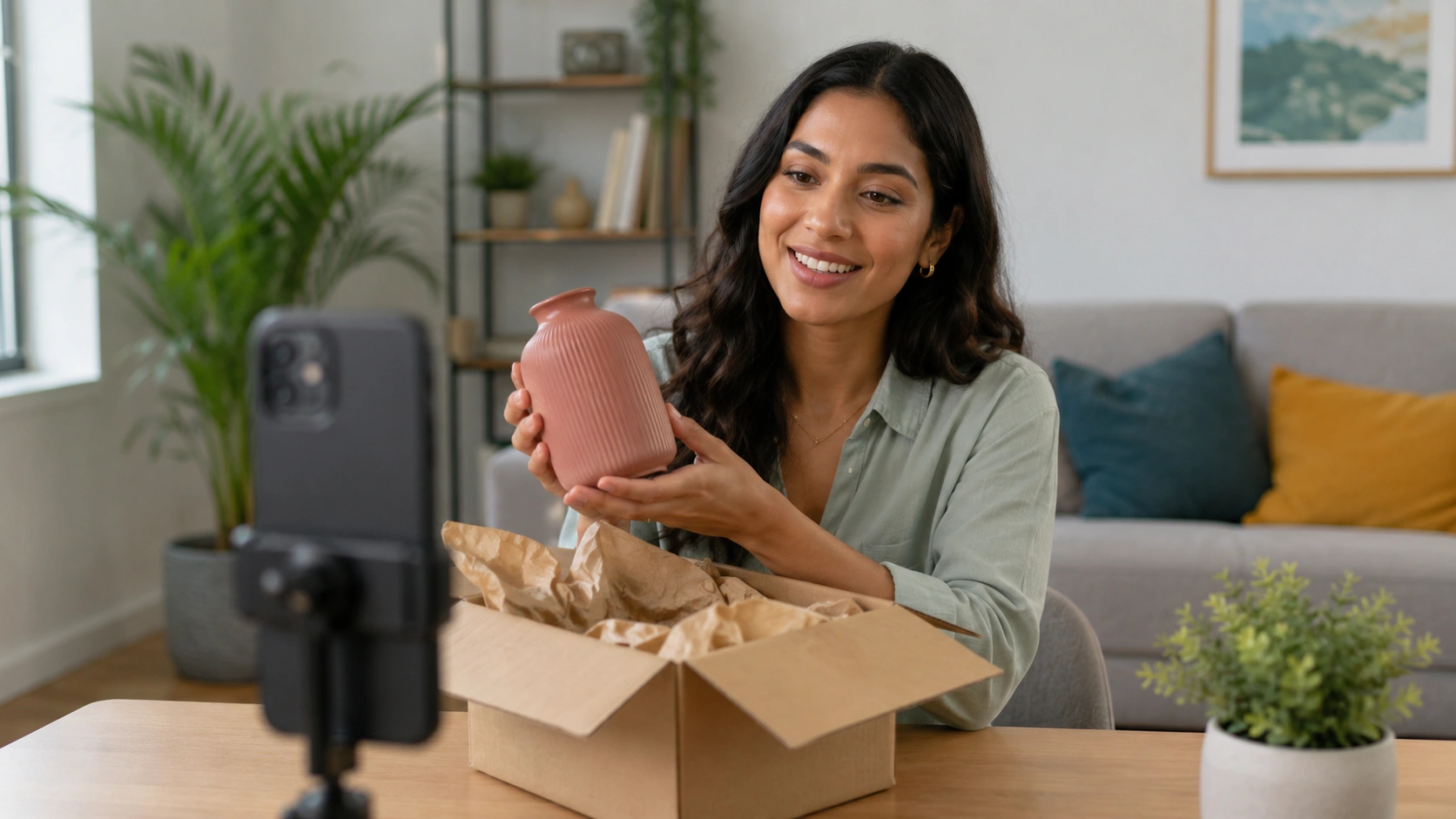
Myth: You need a professional film crew to host a successful live shopping event. Fact: High-production values can sometimes feel "too polished" for Instagram. Often, a high-quality smartphone on a stable tripod with good lighting and clear audio (using a lavalier mic) converts better because it feels more authentic and relatable.
Optimizing for Revenue: The Operator's Checklist
Hosting the event is only half the battle. To maximize your Revenue Per Session (RPS), you need to treat the live event like a performance marketing campaign.
- Promote 48 Hours in Advance: Use the "Reminders" feature in Instagram Stories. This allows users to opt-in to a notification that fires the moment you go live. Without this, you are relying entirely on the algorithm to surface your stream.
- The First Three Minutes: Most viewers decide whether to stay within the first few seconds. Don't wait for "more people to join." Start with a high-energy hook or a teaser of the best deal of the night to prevent early bounces.
- Pin High-Intent Questions: If a user asks a great question about a product’s durability or fit, pin that comment alongside the product tag. It serves as social proof for everyone else watching.
- Incentivize Immediate Action: Offer a "Live-only" discount code. Make it clear that the code expires when the broadcast ends. This creates the urgency needed to convert "window shoppers" into buyers.
Post-Event: Repurposing for Long-Tail Revenue
A common mistake operators make is treating a live event as a one-time occurrence. In the Videowise philosophy, every piece of video content should be a long-term revenue-generating asset.
Once the live stream is over, save the video to your archive. You can then post the recording as a Reel or to your main feed. While the "live" interactive elements go away, the products remain tagged, allowing the video to continue generating sales as part of your evergreen content strategy.
Furthermore, you can use AI Clips to take these high-performing live segments and embed them directly onto your Shopify site. Using AI Clips, we help brands identify the most engaging moments from a long-form live stream and turn them into short-form shoppable videos for product detail pages (PDPs). This ensures that the effort you put into a 30-minute live stream pays off for months as it boosts on-site CVR.
Bottom line: The goal of Instagram Live Shopping is to capture immediate impulse buys, but the long-term value lies in repurposing that high-intent content across your entire ecommerce ecosystem.
Performance and Technical Considerations
For a senior ecommerce director, the technical impact of any third-party tool is a primary concern. One of the reasons brands move toward a more integrated video commerce approach is to avoid the "bloat" that often comes with heavy scripts.
While Instagram Live happens entirely within the social app, the strategy you build there must align with your store's performance. If you are driving massive traffic from a live stream to your site, your store must be optimized for speed. At Videowise, we prioritize Content Performance analytics and performance-first infrastructure. Our video players are built to ensure that even if you have dozens of shoppable videos on a single page, your Core Web Vitals (CWV)—specifically Largest Contentful Paint (LCP)—remain within the healthy range.
When selecting products for your live stream, consider the "mobile viewport." Most users will be watching on their phones. Ensure your product titles in the catalog are concise (under 30 characters) so they aren't truncated in the live shopping overlay.
Measuring Success Beyond Vanity Metrics
Ignore "likes" and "views" as primary KPIs. Instead, focus on these operator-level metrics:
- Direct Revenue: Sales completed entirely within the Instagram Checkout flow during the live window.
- Influenced Revenue: Sales that occur on your Shopify store within 24–48 hours of the live event from users who viewed the stream.
- Add-to-Cart (ATC) Rate: The percentage of viewers who clicked a product tag and added it to their cart, even if they didn't complete the purchase immediately.
- Checkout Completion Rate: This helps identify if there is friction in your Meta Shop setup. If ATCs are high but completions are low, there may be an issue with shipping rates or payment methods in your Commerce Manager.
By tracking these shoppable video performance metrics, you can determine the true ROI of your live shopping efforts and adjust your product selection for future events.
Integrating Social Commerce with On-Site Strategy
Instagram Live Shopping is a powerful top-of-funnel and mid-funnel tool, but it shouldn't exist in a vacuum. The most successful Shopify brands in 2026 use social live events to "fuel" their on-site experience.
For example, a live stream on Instagram might attract 5,000 viewers, but your website might see 50,000 visitors a day. By bringing the shoppable video experience onto your site through Videowise, you can provide that same interactive feel to your highest-intent traffic. Our Shoppable Video capability allows you to take the best parts of your Instagram content and place them directly where the purchase happens—on the PDP or at the checkout.
This omnichannel approach ensures that you aren't just renting an audience from Meta, but building a proprietary video commerce experience on your own domain. We enable you to manage these assets in a centralized UGC Hub, making it easy to sync rights and deploy content across multiple touchpoints without needing a developer.
Conclusion
Setting up Instagram Live Shopping is a strategic necessity for brands looking to dominate social commerce in 2026. By following the technical requirements for Commerce Manager, preparing curated product collections, and focusing on high-intent content formats like drops and tutorials, you can turn your social presence into a meaningful revenue driver.
However, the "Live" moment is just the beginning. To truly scale, you must treat your live broadcasts as the raw material for a broader video commerce strategy. Repurposing these streams into on-site shoppable videos ensures that the engagement you build on social translates into long-term growth on your own storefront. If you want a tailored walkthrough for your team, book a demo. At Videowise, we are built to support this transition, helping you turn every second of video into a measurable transaction.
Next Step: Audit your Meta Commerce Manager to ensure your catalog is healthy, then schedule a 15-minute "test" live stream to familiarize your team with the product tagging interface.
When you're ready to get started, install Videowise from the Shopify App Store.
FAQ
Does Instagram Live Shopping work for brands outside the US?
While any brand can go live and mention products, the "native checkout" feature—where customers buy without leaving the app—is currently limited to US-based businesses with an active Instagram Shop and Checkout enabled. International brands can still use product tags to drive viewers to their website, but the experience involves a redirect.
How do I tag products if I have a large catalog?
For brands with hundreds or thousands of SKUs, we recommend creating a specific "Live Event" collection in Commerce Manager before you go live. This allows you to filter your catalog down to only the relevant items, making it much easier for the host to find and pin the correct product card during the broadcast.
Will hosting live events slow down my Shopify store's mobile performance?
Because Instagram Live events take place within the Instagram app itself, they have zero impact on your store's page speed or Core Web Vitals. However, if you choose to embed the recorded live content onto your site later using Videowise, our performance-first infrastructure ensures those videos load efficiently without impacting your SEO or user experience. If you want examples of brands putting that approach to work, browse our customer stories.
What is the best time to go live on Instagram for sales?
The best time depends on your specific audience's behavior, but generally, mid-week evenings (7 PM – 9 PM EST) perform well for B2C brands. Use your Instagram Insights to see when your followers are most active, and always use the "Reminders" feature in Stories to ensure your audience is notified when you start.
.webp)


